1
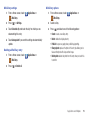
Airplane mode
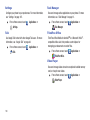
VPN settings
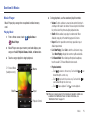
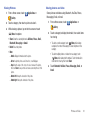
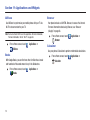
When airplane mode is activated, all your phone’s wireless
connections are disabled, and you cannot make or receive calls
or messages or connect to networks. While in airplane mode,
you can use other features of your phone, such as playing music,
watching videos, or other applications.
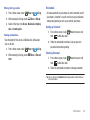
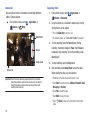
1.
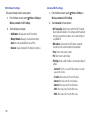
From a Home screen, touch
Touch Airplane mode to activate or deactivate airplane
mode. When activated, a check displays in the check box.
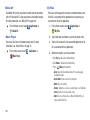
Tethering
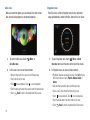
Use Tethering to share your device’s 3G internet connection with
another device that connects to your device via USB cable. (For
more information, refer to “Tethering” on page 89.)
112
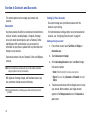
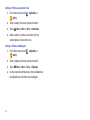
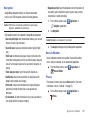
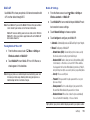
Add VPN
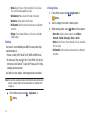
1.
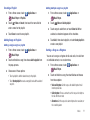
From a Home screen, touch
Menu ➔ Settings ➔
Wireless & networks ➔ VPN settings.
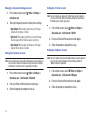
Menu ➔ Settings ➔
Wireless & networks.
2.
Set up and manage Virtual Private Networks (VPNs). For more
information about using VPNs, see see “VPN” on page 90.
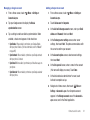
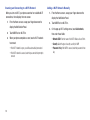
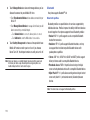
2.
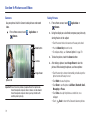
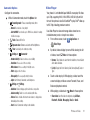
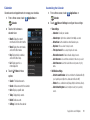
Touch Add VPN to set up a connection to a VPN, using the
following settings:
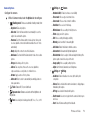
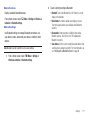
• Add PPTP VPN: Set up a connection to a VPN with Point-to-Point
tunneling protocol.
• Add L2TP VPN: Set up a connection to a VPN with Layer 2
tunneling protocol.
• Add L2TP/IPSec PSK VPN: Set up a connection to a VPN with preshared key-based Layer 2/IPsec tunneling protocol.
• Add L2TP/IPSec CRT VPN: Set up a connection to a VPN with
Certificate-based Layer 2/IPsec tunneling protocol.