1
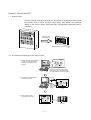
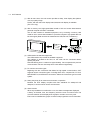
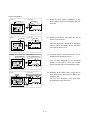
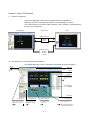
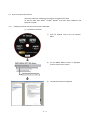
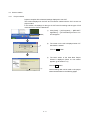
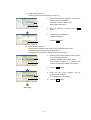
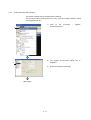
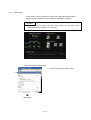
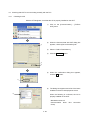
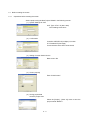
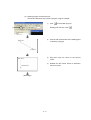
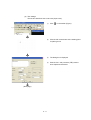
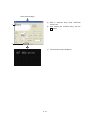
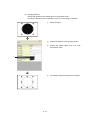
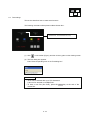
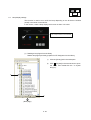
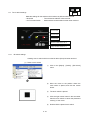
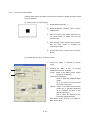
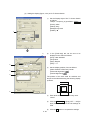
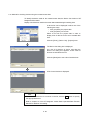
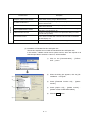
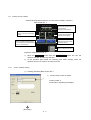
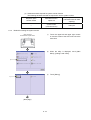
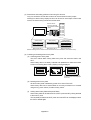
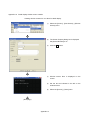
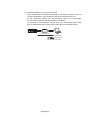
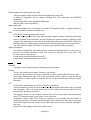
(2) Operation procedure for test operation
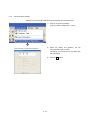
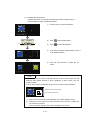
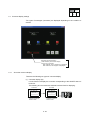
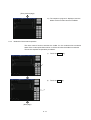
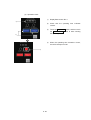
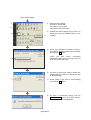
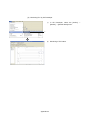
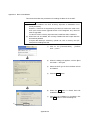
1) Touch the SET key on the device monitor
1)
screen.
2)
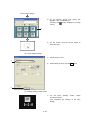
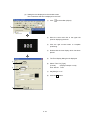
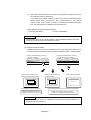
Touch the TEST key.
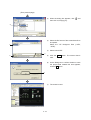
3)
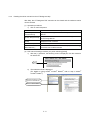
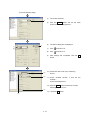
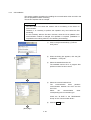
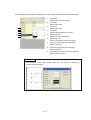
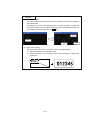
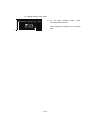
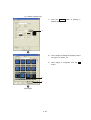
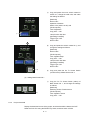
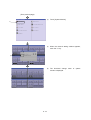
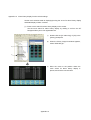
When the Test menu screen appears, touch
the VALUE 16 key.
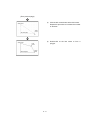
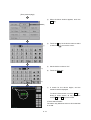
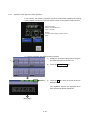
4)
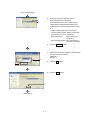
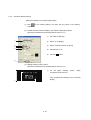
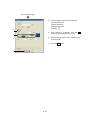
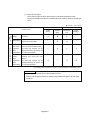
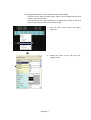
When the setting key window appears, make
the settings as follows and touch the Enter
key.
2)
3)
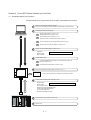
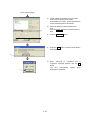
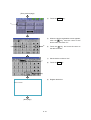
Device name: "D"
Device number: "30"
Value: "0"
(Next page)
6 - 23