1
Chapter 6
Time and Date Control
67
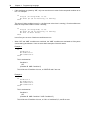
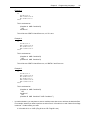
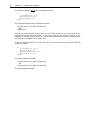
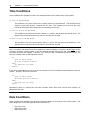
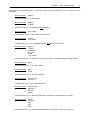
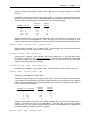
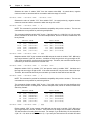
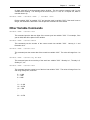
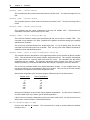
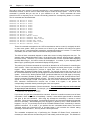
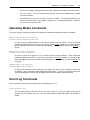
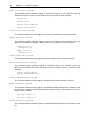
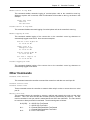
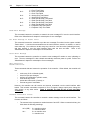
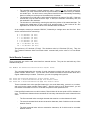
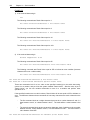
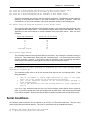
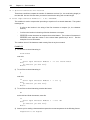
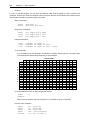
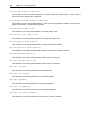
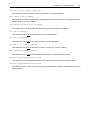
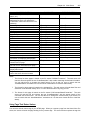
By checking the appropriate boxes, you can set up almost any date condition. Here are examples of how
this works:
•
Box(es) checked:
Monday
Condition will be true: On all Mondays
•
Box(es) checked:
Monday
Tuesday
Condition will be true: On all Mondays and Tuesdays
•
Box(es) checked:
1st of month
Condition will be true: On the first day of each month
•
Box(es) checked:
Monday
1st of month
Condition will be true: Only on Mondays that are also the first of the month
•
Box(es) checked:
Monday
Tuesday
Wednesday
Thursday
Friday
1st of month
Condition will be true: On the first of any month that falls on a weekday (Monday through Friday)
•
Box(es) checked:
March
Condition will be true: On all days in March
•
Box(es) checked:
March
Friday
Condition will be true: On all Fridays in March
•
Box(es) checked:
25th of month
December
Condition will be true: Only on December 25th
•
Box(es) checked:
25th of month
December
Saturday
Sunday
Condition will be true: On December 25th only if it happens to fall on Saturday or Sunday
•
Box(es) checked:
Friday
Saturday
April
May
June
Condition will be true: On all Fridays and Saturdays in the months of April, May, and June.