1
FrontClerk for Windows User Documentation
Checking In and Checking Out a Guest
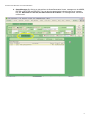
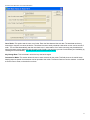
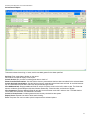
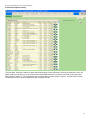
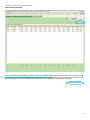
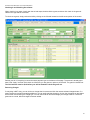
When checking in a guest, simply open the arrivals report, double click the guest, and then click check in the guest located on the right side of the screen.
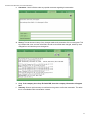
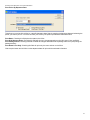
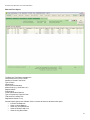
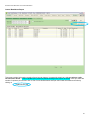
To check out a guest, simply review their bill by clicking on the folio tab located on the left center portion of the screen.
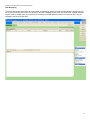
Review your bill. If everything is correct choose a payment type on the bottom of the page. The amount is already populated. Click “Apply” and then click check out. After that, you are given an option to print the bill. The guest is checked out.
The folio balance must be $0.00 before you will be allowed to check the guest out.
Reversing Charges
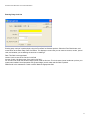
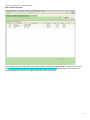
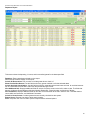
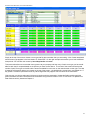
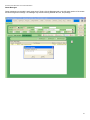
If everything is NOT okay; you can click on a charge that is incorrect and click the reverse selected charges button. If a
guest chooses to purchase something additional, you can easily add that charge by click on the charge tab on the bottom
of the screen and choosing the charge type. You can then enter an amount and apply the charge to the bill. Check the
guest out as normal, after all charges have been added.
36