1
FrontClerk for Windows User Documentation
Security System
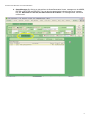
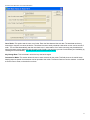
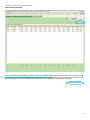
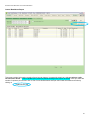
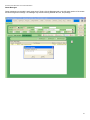
The HSS FrontClerk software for Windows allows us to have single click user security. When stepping away from the system simply press the Key icon in the top right corner of the screen.
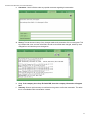
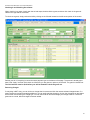
This allows the user to lock down the software so only authorized access is obtained in the FrontClerk System. When the
key button is red, the system is locked down and you must log into the system again. To do this, click the red key
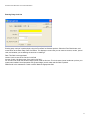
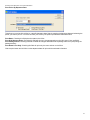
button and the FrontClerk Login will appear.
Login with the proper username and password, and the software will be unlocked.
29