1
DCN Next Generation Open Interface Release 4.4
en | 249
}
}
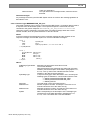
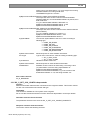
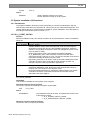
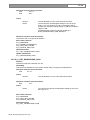
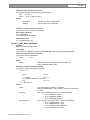
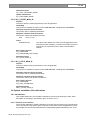
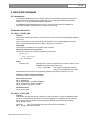
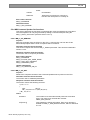
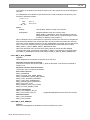
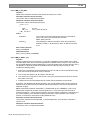
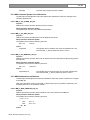
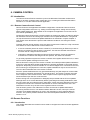
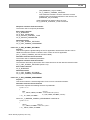
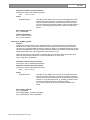
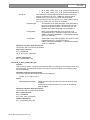
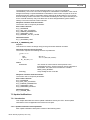
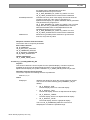
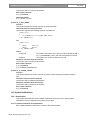
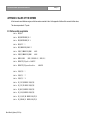
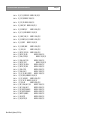
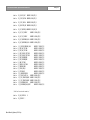
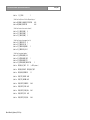
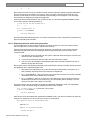
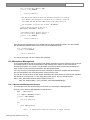
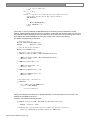
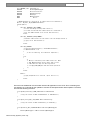
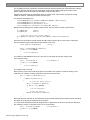
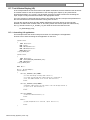
Finally if we are no longer interested in update notifications, we can deregister with the CCU.
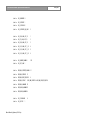
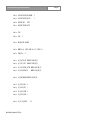
wError = MD_StopMonMD(&wNrOfInstances);
if (wError != MD_E_NOERROR)
{
/* do error handling */
}
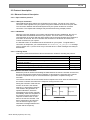
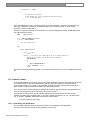
D.9. Intercom
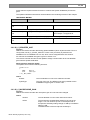
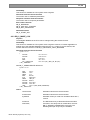
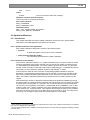
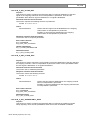
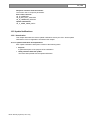
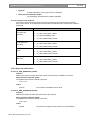
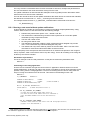
In the example below the remote functions and update notifications, that are defined in this document
as constant values for the wFnId parameter of the message (see chapter 2), are presented as
functions described in a ‘C’ syntax. The parameter structures of these functions are according the
input, output or notify structures described in the appropriate section.
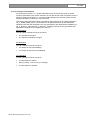
For every function is assumed that the function will create his structure, transport the parameters to
the CCU and waits for the result information coming from the CCU.
For both the remote functions as the update notifications the same names are used as their identifier,
but without the constant mark “C” and using mixed case names. So, e.g. remote function
IC_C_SET_LINKS shall be referenced as function as:
IC_Set_Links (&tLinks);
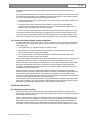
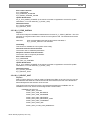
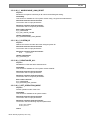
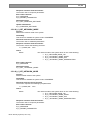
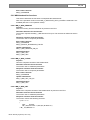
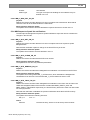
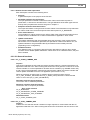
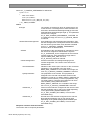
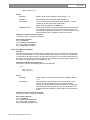
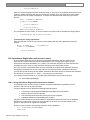
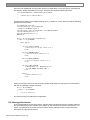
D.9.1. Intercom without update notifications
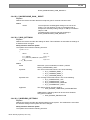
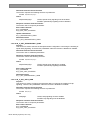
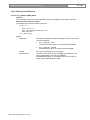
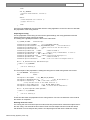
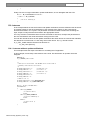
This example shows the steps to be taken for controlling the IC application.
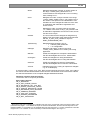
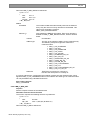
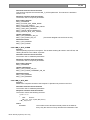
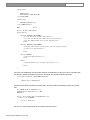
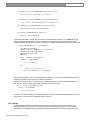
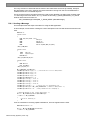
In this example, we will setup a link between some units. We will assume an operator has been
assigned.
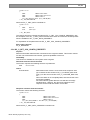
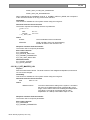
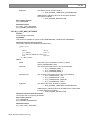
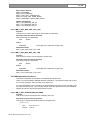
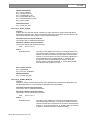
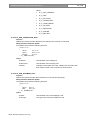
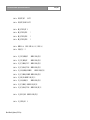
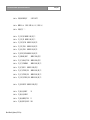
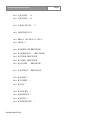
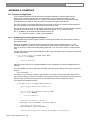
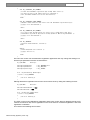
WORD wError;
IC_T_LINKINFO_LIST tLinks;
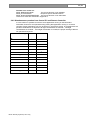
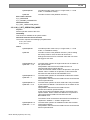
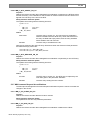
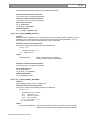
/*
* Set up a bi-directional link between units 3 and 7 and a
* one-way link from unit 2 to unit 5.
*/
tLinks[0].wSourceId = 3;
/* from unit 3 */
tLinks[0].wDestId = 7;
/* to unit 7 */
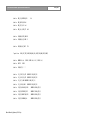
tLinks[1].wSourceId = 7;
/* from unit 7 */
tLinks[1].wDestId = 3;
/* to unit 3 */
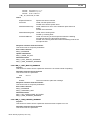
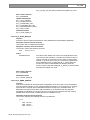
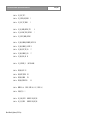
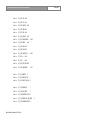
tLinks[2].wSourceId = 2;
tLinks[2].wDestId = 5;
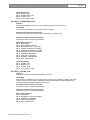
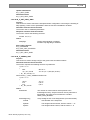
/* End of list. */
tLinks[3].wSourceId = IC_C_UNASSIGNED_UNIT;
tLinks[3].wDestId = IC_C_UNASSIGNED_UNIT;
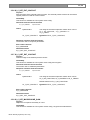
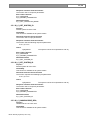
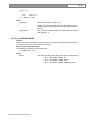
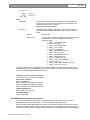
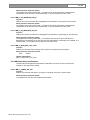
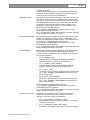
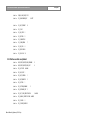
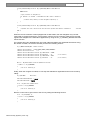
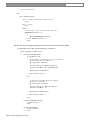
wError = IC_Set_links(&tLinks);
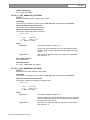
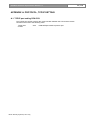
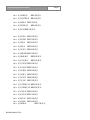
switch(wError)
{
case IC_E_NOERROR:
/* links are set */
break;
case IC_C_WRONG_PARAMETER:
/* do error handeling */
break;
default:
/* report error */
break;
}
Bosch Security Systems | 2014 July