1
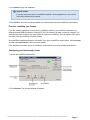
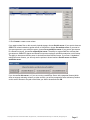
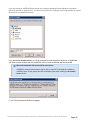
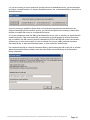
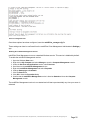
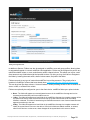
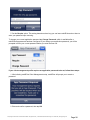
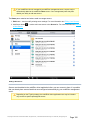
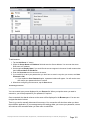
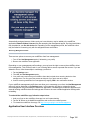
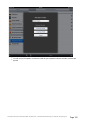
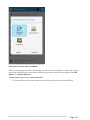
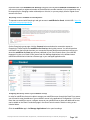
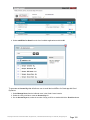
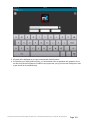
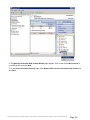
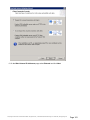
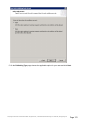
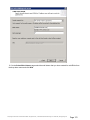
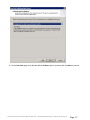
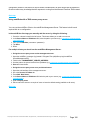
You will be prompted to create your first service. Enter the Service Name of your choosing. In this
example, our service name is “Marketing”. NOTE: Write down the exact service name you use in this
command. You need the exact name when configuring Microsoft clustering in the next section.
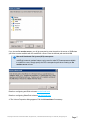
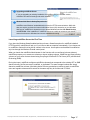
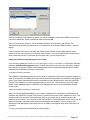
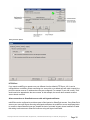
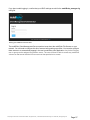
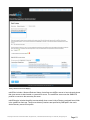
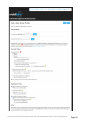
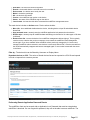
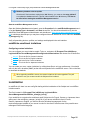
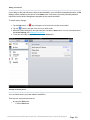
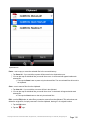
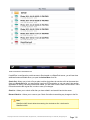
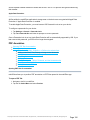
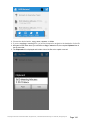
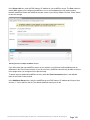
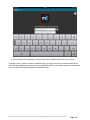
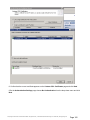
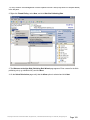
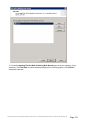
After the service is created, it will appear in the mobilEcho Services window. mobilEcho Services will
be shown each time the mobilEcho Administrator is launched. It is used to select the service you
would like to administer, as well as to add or remove additional services.
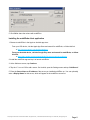
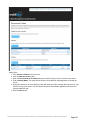
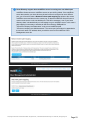
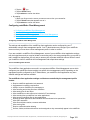
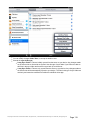
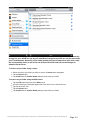
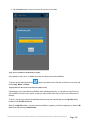
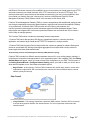
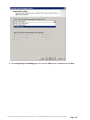
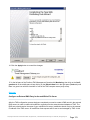
If you are configuring multiple services, select Add Service and to create any additional services
necessary.
GroupLogic © 2002-2012 Acronis International GmbH. All rights reserved. | 1100 N Glebe Rd, Suite 800 Arlington, VA 22201 USA | www.grouplogic.com
Page 23