1
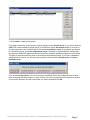
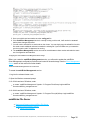
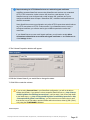
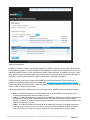
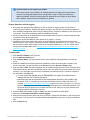
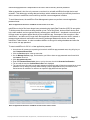
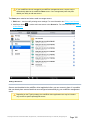
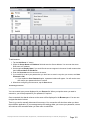
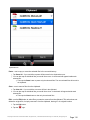
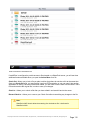
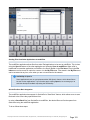
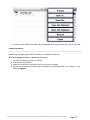
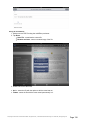
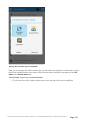
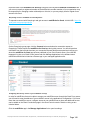
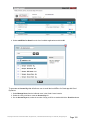
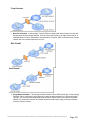
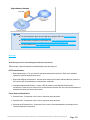
6. Tap the Paste button to copy or move the file into the current folder.
Copy, move, and delete of multiple files or folders
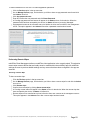
It is possible to copy, move, or delete more than one file at a time with mobilEcho.
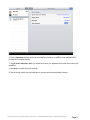
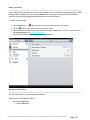
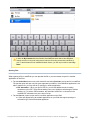
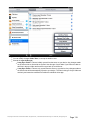
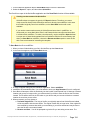
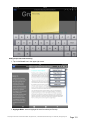
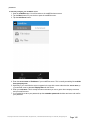
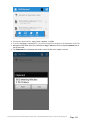
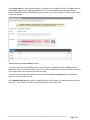
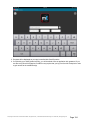
To do so, tap the multi-select button
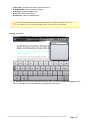
select Copy, Move, or Delete.
, tap the checkbox next to the files you'd like to work with, and
Copying files from the server to the device for offline access
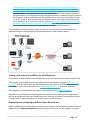
If permitted by your organization's mobilEcho client management policy, it is possible to copy files from
your mobilEcho server to your device, so that you may access them even if you are not connected to a
network.
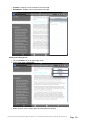
To do so, use the copy instructions detailed below and copy the required files into the My Files folder
located on the On this device tab.
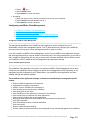
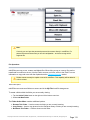
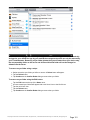
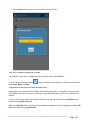
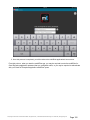
While in the My Files folder, you can create new folders to organize your files by tapping your device's M
enu button and selecting Create Folder.
GroupLogic © 2002-2012 Acronis International GmbH. All rights reserved. | 1100 N Glebe Rd, Suite 800 Arlington, VA 22201 USA | www.grouplogic.com
Page 145