1
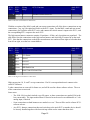
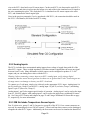
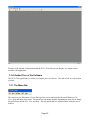
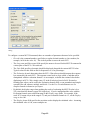
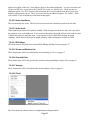
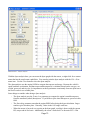
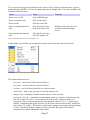
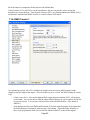
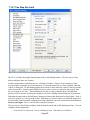
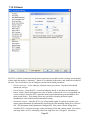
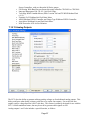
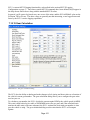
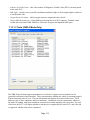
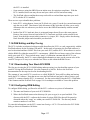
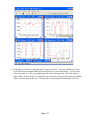
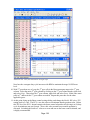
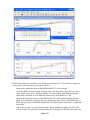
Trim File Data. Use this when you have a long capture with only a short interesting section. To extract
just the interesting region, use this option. A dialog will let you trim the data to just the currently
visible region, or to any region that you specify. After trimming, you can save your trimmed data to a
new .ecd file, if desired.
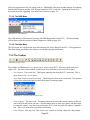
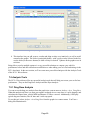
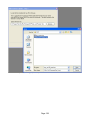
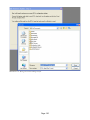
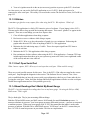
Illustration 52 - The trim file data dialog
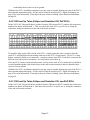
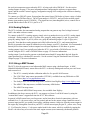
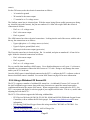
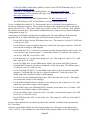
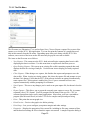
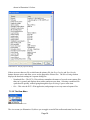
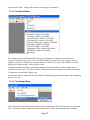
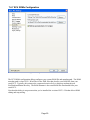
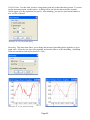
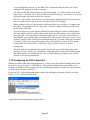
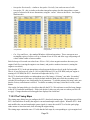
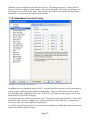
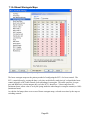
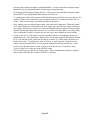
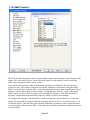
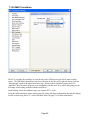
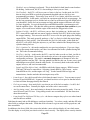
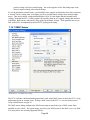
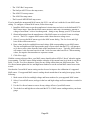
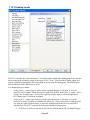
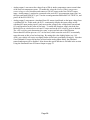
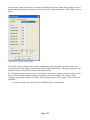
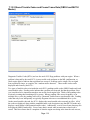
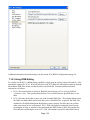
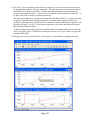
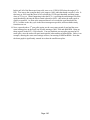
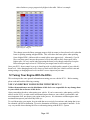
Smoothing. This menu item allows you to change the amount of smoothing that is applied to a given
graph value. Select the view type to be smoothed, and use the slider to set the smoothing. Smoothing
values are remembered when you close ECU+ Win.
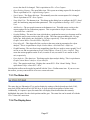
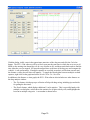
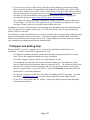
Illustration 53 - The smoothing dialog
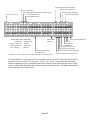
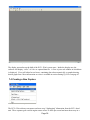
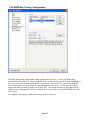
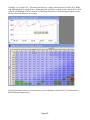
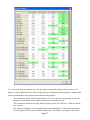
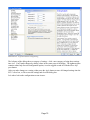
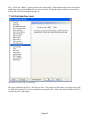
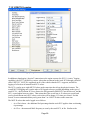
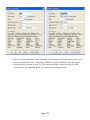
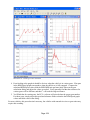
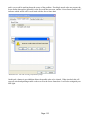
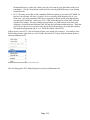
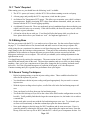
Illustration 54 - A view without smoothing
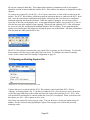
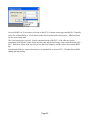
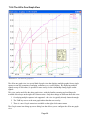
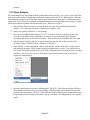
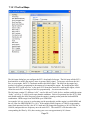
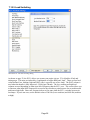
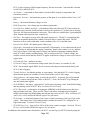
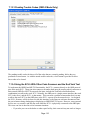
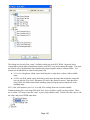
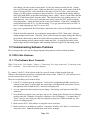
Illustration 55 - The view with a smoothing of 4
Page 62