1
68
Asphalt
4.
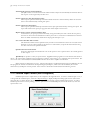
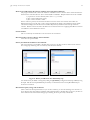
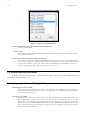
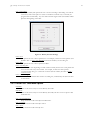
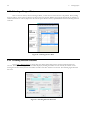
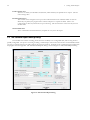
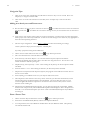
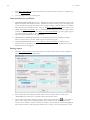
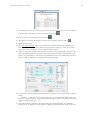
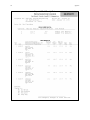
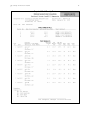
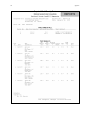
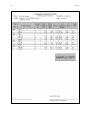
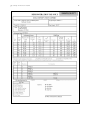
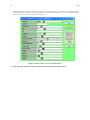
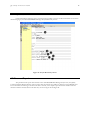
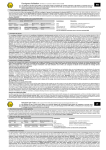
Follow standard report printing methods. Just prior to previewing or printing, the following screen appears. It may
be slightly different if you have a custom pavement form. The letters in circles are a key to where the information is
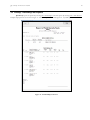
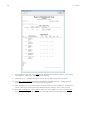
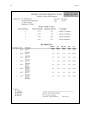
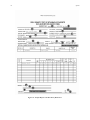
printed on the report (see the sample report in Figure 25).
Figure 23 - Report Selection Form for Asphalt Reports
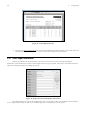
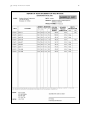
5. Enter the report number and other pertinent information before printing the report.