1
GOVERNOR’S OFFICE OF PLANNING AND BUDGET
BUDGETTOOL USER MANUAL
SECTION II.A - AGENCY USER’S GUIDE
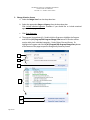
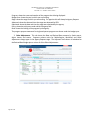
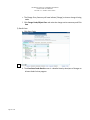
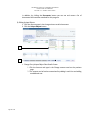
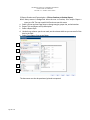
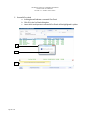
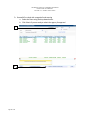
e. The Change Entry Summary will now indicate [Change] to show a change is being
made
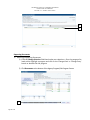
f. Click Change Funds/Object Class and make the change entries necessary and Click
Save
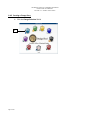
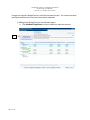
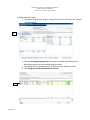
5) Detail Views
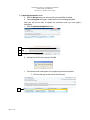
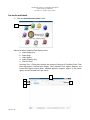
a. Click State Funds
a.
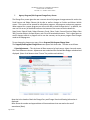
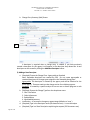
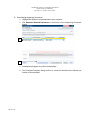
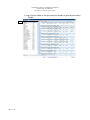
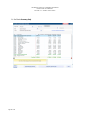
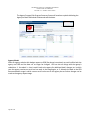
b. The View State Funds Details screen is a detailed view by descriptor of changes to
all state funds for that program.
Page 17 of 36