1
PLAYBACK
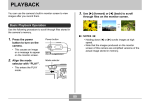
3. Use [], [], [], and [] to shift the image
Zooming the Display Image
up, down, left, or right.
Perform the following procedure to zoom the image
currently on the monitor screen up to four times its normal
size.
4. Press [MENU] to return the image to its
original size.
1. In the PLAY mode, use [] and [] to display
IMPORTANT!
the image you want.
• Depending on the original size of the recorded
image, you may not be able to zoom a display image
the full four times its normal size.
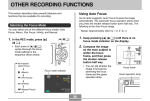
2. Press the zoom
button ( ) to enlarge
the image.
• This displays an
indicator that shows the
current zoom factor.
• You can toggle between
the zoomed image and
normal image by
pressing [MENU].
Current zoom factor
88