1
Untitled-1 3
Windows Vista
Step 3: Instructions for Windows Vista
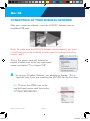
Important: Do not connect the Wireless-N USB Adapter into the USB
port until you have installed the driver from the CD and are instructed to
do so. Otherwise, the Adapter may not operate properly.
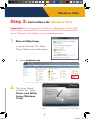
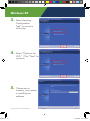
1. Driver & Utility Setup:
a. Insert the Setup CD. Select
Open Folder to view files option.
b. Select autorun.exe
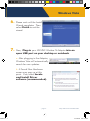
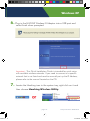
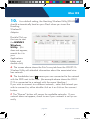
2.
The Setup Wizard
will load up. Select
Driver and Utility
Setup (Windows
Vista)
- page 2 -
Setup Instructions: Windows Vista
9/15/2008 4:46:54 PM