1
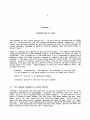
CHAPTER 2
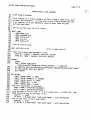
CREATING AND LOADING AN ISAM FILE WITH ISMBLD
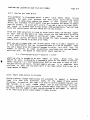
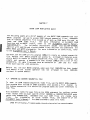
The ISMBLD program provides a convenient method for creating
indexed sequential files. Itgives you the ability to create a
and
loading
new indexed
sequential file, to add records to the data file from an ordinary sequential
data file, and to create a secondary index
primary index file.
2.1
file
that
cross—indexes
to
a
GENERAL OPERATING INSTRUCTIONS
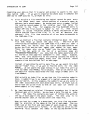
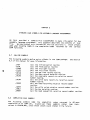
has three operating modes: 1. create a new indexed file; 2. add data
file or to an existing file; and, 3. change the device
specification of a data file. All modes are called via the general command:
ISMBLD
to the new
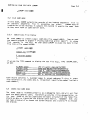
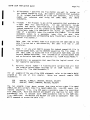
.ISMBLD fi lespec{/DH/N}
If
the indexed sequential fiLe specified by filespec does not exist, ISMBLD
enters the creation mode. If the file already exists, ISMBLD enters the
data Loading mode unless you have specified the optional /0 maintenance
switch. (NOTE: If the file already exists, you may specify Counted Update
mode by using the IN switch. See Section 2.3.1, "Suppressing Exclusive Open
Mode. ')
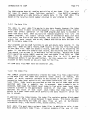
2.2
CREATION MODE
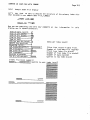
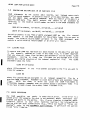
creation mode is the most commonly used mode. In this mode you input
series of parameters that describe the desired indexed sequential file.
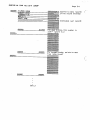
From these parameters the ISMBLD program generates a data file/primary index
file combination or a secondary index file that cross—indexes to an existing
The
primary index file.