1
TG40 User Manual
4.3 New Experiment Wizard
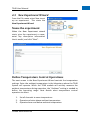
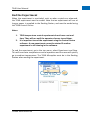
From the File menu select New to set
up an experiment. This starts the
New Experiment Wizard.
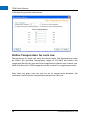
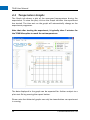
Name the experiment
When the New Experiment wizard
starts, give the experiment a name,
enter any descriptive information
that is useful, and click “Next”.
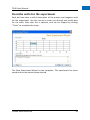
Define Temperature Control Operations
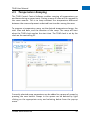
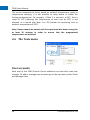
The next screen in the New Experiment Wizard controls the temperature
settings. Enter the ambient temperature in the laboratory where the TG40
System will operate. While the TG40 module will actively measure the
ambient temperature during operation, the “Ambient” setting is needed to
define the operating range. Next decide what temperature control
operation to select.
1.
2.
3.
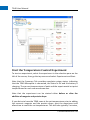
Set all channels to same temperature
Operate exclusive above ambient temperature
Operate above and below ambient temperature
Centeo Biosciences Ltd
17