1
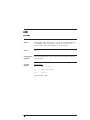
LIST
command
Purpose
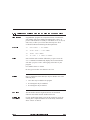
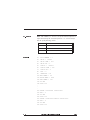
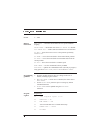
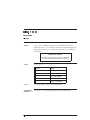
LIST displays a complete program or part of a program on the
terminal screen.
Syntax
LIST [line number] - [line number]
Programming
guidelines
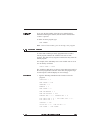
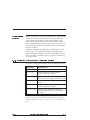
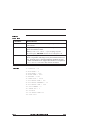
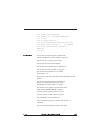
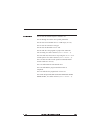
The LIST command displays the program lines in a standardized
output format. Extra spaces or tabs (except for character constants) will
be stripped out. Keywords and expressions are separated by a single
space, as shown in the examples of syntax in this document. To
temporarily stop the output of the LIST command on the terminal, use
<Ctrl><s>. Use <Ctrl><q> to resume the listing.
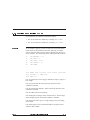
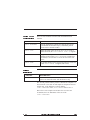
Program
segment
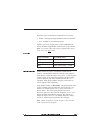
Program line
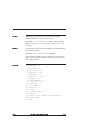
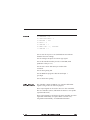
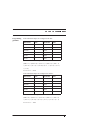
LIST
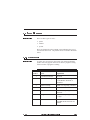
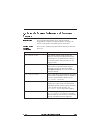
Lists all lines of the program.
LIST 20
Lists only line 20.
LIST 50 -
Lists all lines from 50 to the end of the program.
LIST -60
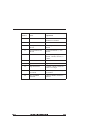
Lists all lines from the beginning of the program to line 60.
LIST 20 - 70
Lists all lines from 20 to 70.
Rev F
StepperBASIC Reference Manual
3 - 73