1
17
Security
Defining Management Access Method
•
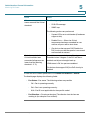
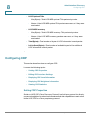
Source IP Address—IP addresses or subnets. Access to management
methods might differ among user groups. For example, one user group
might be able to access the device module only by using an HTTPS
session, while another user group might be able to access the device
module by using both HTTPS and Telnet sessions.
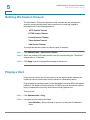
Active Access Profile
The Access Profiles page displays the access profiles that are defined and
enables selecting one access profile to be the active one.
When a user attempts to access the device through an access method, the device
looks to see if the active access profile explicitly permits management access to
the device through this method. If no match is found, access is denied.
When an attempt to access the device is in violation of the active access profile,
the device generates a SYSLOG message to alert the system administrator of the
attempt.
If a console-only access profile has been activated, the only way to deactivate it is
through a direct connection from the management station to the physical console
port on the device.
For more information see Defining Profile Rules.
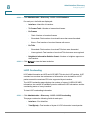
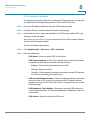
Use the Access Profiles page to create an access profile and to add its first rule. If
the access profile only contains a single rule, you are finished. To add additional
rules to the profile, use the Profile Rules page.
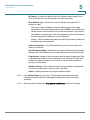
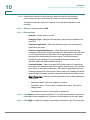
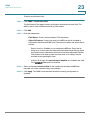
STEP 1 Click Security > Mgmt Access Method > Access Profiles.
This page displays all of the access profiles, active and inactive.
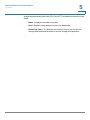
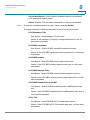
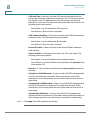
STEP 2 To change the active access profile, select a profile from the Active Access
Profile drop down menu and click Apply. This makes the chosen profile the active
access profile.
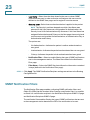
NOTE A caution message appears if you selected Console Only. If you
continue, you are immediately disconnected from the web-based
configuration utility and can access the device only through the console
port. This only applies to device types that offer a console port.
317
Cisco Small Business 300 Series Managed Switch Administration Guide