1
E91619
Configuring TCP/IP, Dial-up
Networking and Remote Access
Service in Windows 2000
E91620
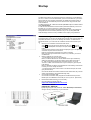
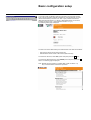
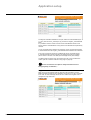
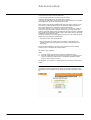
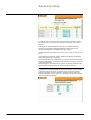
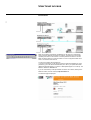
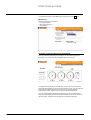
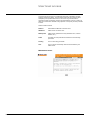
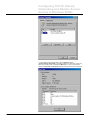
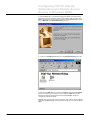
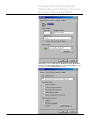
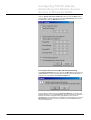
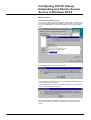
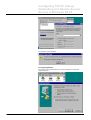
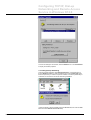
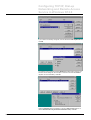
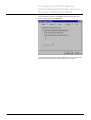
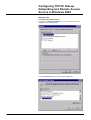
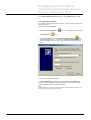
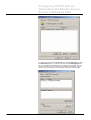
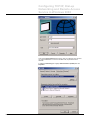
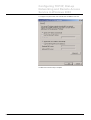
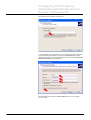
5. Highlight the modem and click Properties, then click the Diagnostics tab. Click
the Query Modem button. You will see a response in the Command/Response
box. If your modem does not respond or you receive an error message, then you
will have to troubleshoot your modem before continuing with the setup. You will
need to contact your modem or PC manufacturer if this is the case. Click OK.
MPS100 User Manual - Rev 1.08ab.doc
Schneider Electric
- 60 -