1
Configuring TCP/IP, Dial-up
Networking and Remote Access
Service in Windows NT4.0
E91598
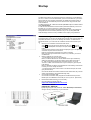
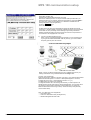
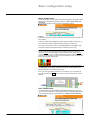
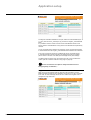
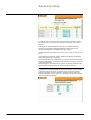
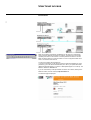
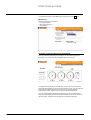
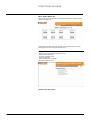
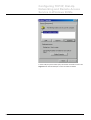
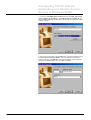
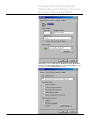
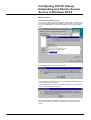
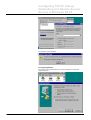
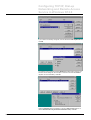
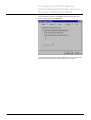
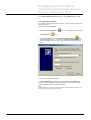
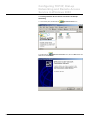
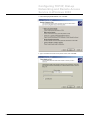
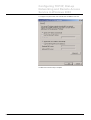
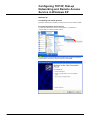
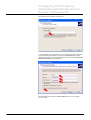
Let the system work out where and which modem is installed. Simply click Next.
E91599
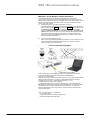
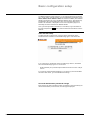
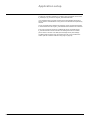
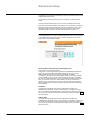
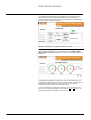
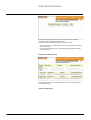
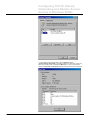
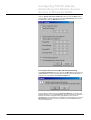
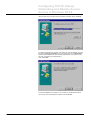
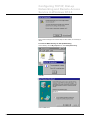
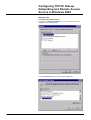
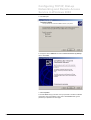
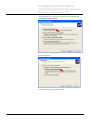
The system should find your modem. If the type is not correctly identified, you have
the option to Change it manually to pick your modem type or to use Have Disk to
load the modem-definition file from the floppy delivered with your modem (if it is a
new type, not known by this release of NT).
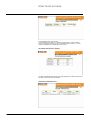
Then, select Next.
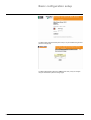
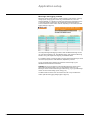
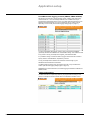
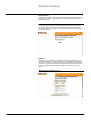
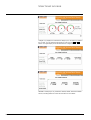
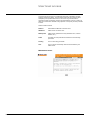
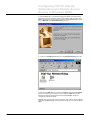
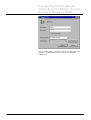
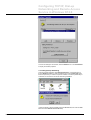
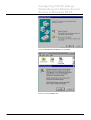
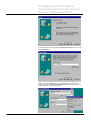
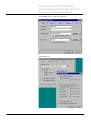
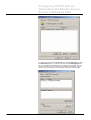
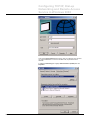
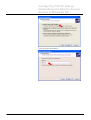
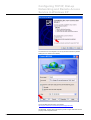
For the first installation of a modem on your system, you will be asked to define
your Country, Area-code and Dial-out-prefix. Then click Finish.
MPS100 User Manual - Rev 1.08ab.doc
Schneider Electric
- 50 -