1
Basic Operation
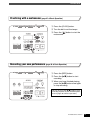
Playing with Songs for Practice
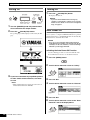
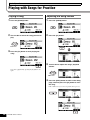
Playing a Song
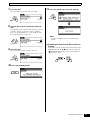
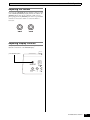
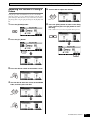
Adjusting the Song Volume
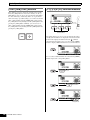
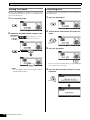
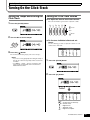
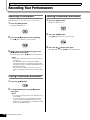
1
Press the [SONG] button.
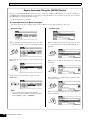
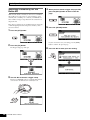
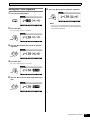
1
Press the [SONG] button.
2
Turn the dial to select the song you wish to
play.
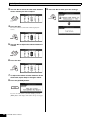
2
Press the [F1] button.
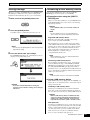
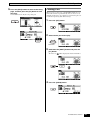
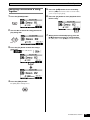
3
Press the [F3] button to start playing the
song.
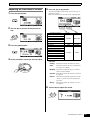
3
Turn the dial to adjust the song’s playback
volume.
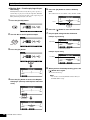
4
Press the [EXIT] button to return to the Song
page, and then press the [F3] button to start
the song.
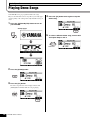
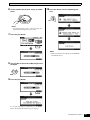
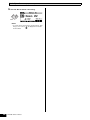
You can stop playback by pressing the [F3] button once
again.
If the volume is not yet correct, repeat the above process.
36
DTX700 Owner’s Manual