1
03/05/2013
Exlar Corporation
4.2.Jog
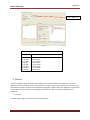
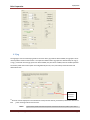
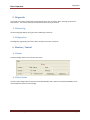
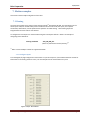
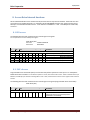
The Jog Page is used to command jog mode on the Tritex. Once jog mode has been enabled, the jog inputs can be
used to produce motion on the actuator. The inputs that will be used as jog inputs are determined by the Jog (+)
or Jog (-) command. Once the jog inputs have been enabled, they will remain enabled, until user disable operation.
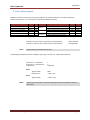
The motion profile have several option are configurable by the user, Fast, slow velocity and acceleration and
deceleration rates.
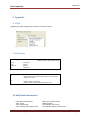
(1)
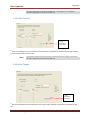
Save
Initialization
parameters
(1)
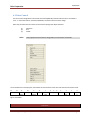
Saves the current displayed as new Initialization value (Fast Slow Velocity, Acceleration, Declaration and Current
limit ), when entering mode for the first time.
NOTE!
Typical motion profile commands and options could be set each time on power up from host or
Tritex CANopen Getting Started, v0.9
Page 8