1
FREQUENTLY ASKED QUESTIONS
Solution:
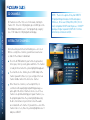
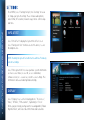
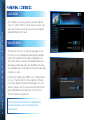
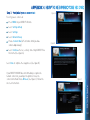
To see if the program was recorded then deleted, press MENU, select “Recordings”, then “Manage Recordings”, then in the
left menu, select “History”.
DIRECTV® HD DVR RECEIVER USER GUIDE
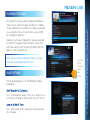
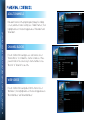
If the recording was cancelled due to a scheduling conflict, you will need to record the program again and if necessary you
will need to adjust the programming priority. See the “Manage Recordings: Series Manager” section in Chapter 4 for details.
116
Check the Parental Locks on your receiver and TV. Adjust the content ratings, if necessary.
Q:I wanted to record a program, but I got an error message saying it conflicted with another scheduled
record. What do I do?
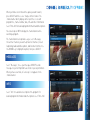
Your DIRECTV DVR can record up to two programs at once, or it can record one program while you watch another live program.
Possible Causes:
You tried to record three programs at the same time or tried to watch a live program while recording two others at the same time.
There was an overlap in the programs you tried to record.
Solution:
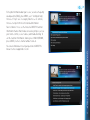
If you tried to record three programs at once, or watch a live TV program with two others recording, you will need to decide
which recording to cancel.
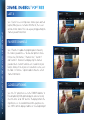
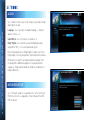
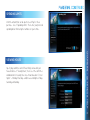
If the overlap is a couple of minutes (for example, some networks occasionally start programs at 8:59 instead of 9:00 p.m.),
adjust your recording start and end time Recording Options. See the “Changing a Record Option” section in Chapter 4.
Someone else manually deleted the program.
The hard drive on your DVR is full. The program may not have recorded.