1
DIRECTV® WHOLE-HOME DVR SERVICE
DIRECTV® HD DVR RECEIVER USER GUIDE
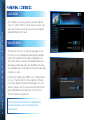
Share Playlist
68
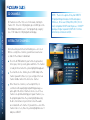
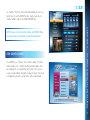
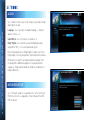
An HD DVR has the option to share its Playlist with other
receivers. Let’s say you have an HD DVR in your Den, an HD DVR
in your Master Bedroom, and an HD Non-DVR in your Kitchen. If
you set Share Playlist to “No” in the Master Bedroom, the other
rooms (Den and Kitchen) won’t be able to access the Master
Bedroom’s Playlist.
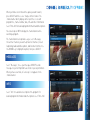
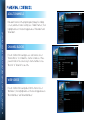
Allow Deletion
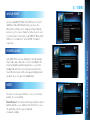
An HD DVR has the option to prevent another location from
deleting programs that were recorded by that HD DVR. In our
previous example, if the DVR in the Den is set to allow deletion
“From this room only”, a person trying to delete a program
(recorded in the Den) from the Master Bedroom or Kitchen would
be prevented from doing so.
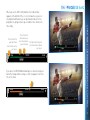
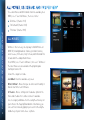
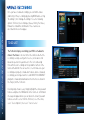
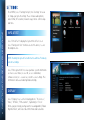
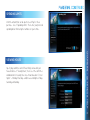
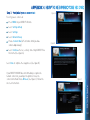
You can change sharing options at any time. Press MENU, select
“Settings & Help”, then “Settings”, “Whole-Home” and then
“Share Playlist”.
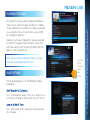
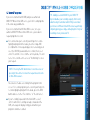
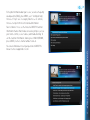
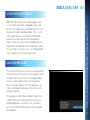
5. View Status:
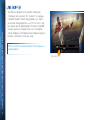
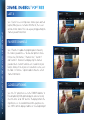
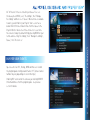
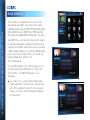
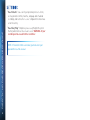
To view the Whole-Home status for all your connected HD DVRs,
press MENU, select “Settings & Help”, “Settings”, “Whole-Home”
then “Status”. This screen indicates if DIRECTV® Whole-Home
DVR service is authorized, as well as the Playlist sharing settings
for all networked HD DVRs.