1
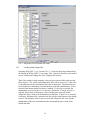
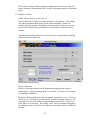
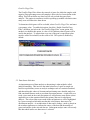
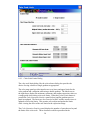
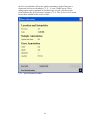
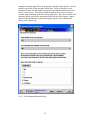
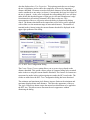
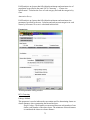
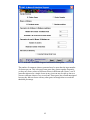
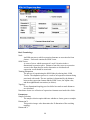
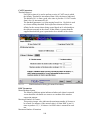
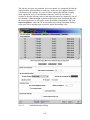
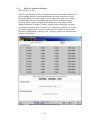
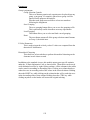
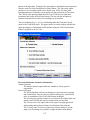
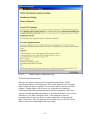
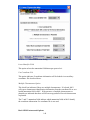
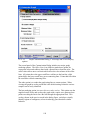
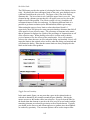
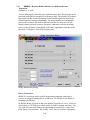
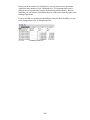
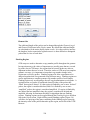
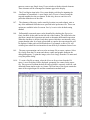
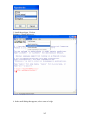
The main selection to make is whether the loci arrows should be of fixed length,
in which case the user selects the fixed length in pixels, or if the arrow length
should be scaled to reflect locus sequence length. If the loci arrows are scaled, a
scaling factor can be selected to control resolution. Selecting fewer bases per
pixel will elongate the viewer and will allow one to distinguish finer differences
in length. The minimum arrow length is designed to render very small sequences
with at least a small arrow so that associated annotation can be displayed. The
maximum scaled arrow length allows one to constrain long sequences to a
reasonable length. When using the scaled arrow lengths, loci that have
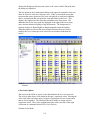
overlapping coordinates are offset to the right so that arrows do not directly
overlap.
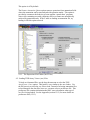
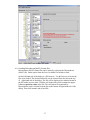
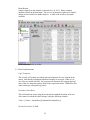
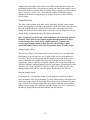
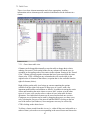
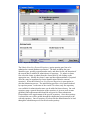
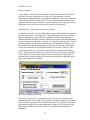
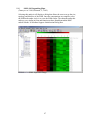
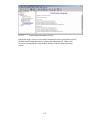
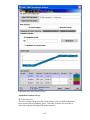
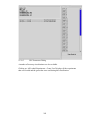
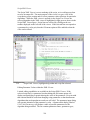
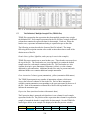
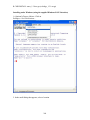
11.21.6.
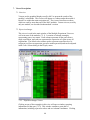
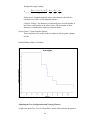
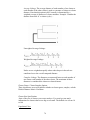
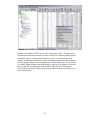
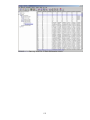
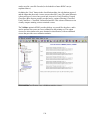
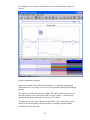
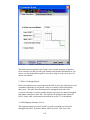
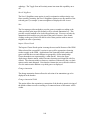
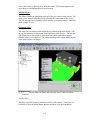
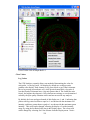
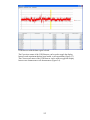
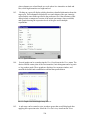
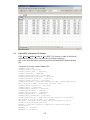
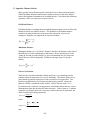
LEM with Offset Overlapping Loci Showing Highlighted Locus
and Annotation
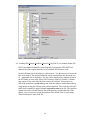
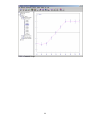
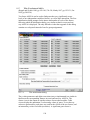
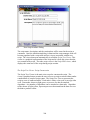
When in the scaled locus mode the arrows have an ‘anchor’ point to aid in locus
selection. If you mouse over the anchor point, the locus will be highlighted and
the anchor point will change from white to red. A shift-left mouse click will
select the locus. Another special feature in this mode is that locus annotation that
overlaps due to locus overlap will be rendered with the policy of highlighted locus
annotation on top.
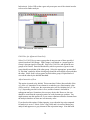
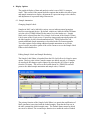
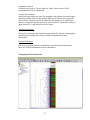
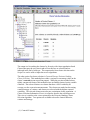
The un-sampled areas of the chromosome have a separate set of scaling controls.
The base to pixel conversion factor is used if these areas are scaled. If these areas
are scaled then a maximum length can be selected so that large areas without
sampled loci are not extremely long. This prevents the occurrence of long areas
without expression values.
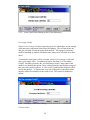
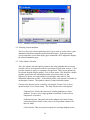
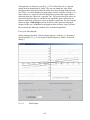
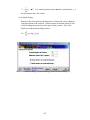
Note that during interaction with this dialog one can hit the preview button to
view the alterations to the LEM. If cancel is hit, the dialog box will be dismissed
and the original settings will be restored to the LEM. The reset button will not
150