1
4.1
WEIGHT AND BALANCE
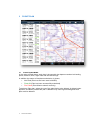
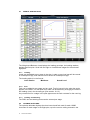
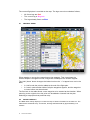
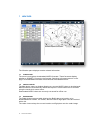
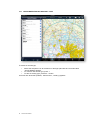
The Weight and Balance view displays the loading envelope, the loading stations,
weights and fuel plan. Scroll left and right to view different stages for the selected
flight plan.
4.1.1
Loading
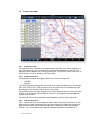
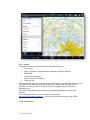
Loads can be added to any stage in the plan. Loads on previous legs will be reused
on subsequent legs, and unburnt fuel is reused on subsequent legs.
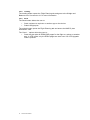
The loading table is in the format ;
Load Station
4.1.2
Maximum
Actual Load
Fuel
Fuel can be added to any stage and any tank. Fuel is burned in the order the tanks
appear in the table. The fuel tank burn order can be altered by changing the order in
the loading view in the aircraft type (See section 10.1.3).
Any unused fuel for a stage in the plan appears as the tank contents for the next leg.
4.1.3
Loading and Planning
The POB, taxi and holding times can be entered per stage.
4.2
OPTIMISE ALTITUDES
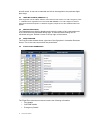
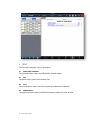
The optimise altitudes displays the time interval and fuel used for each 1000ft
increment for each stage in the flight plan, up to the service ceiling entered in the
12
AvPlan User Manual