1
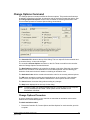
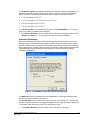
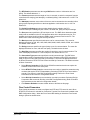
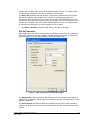
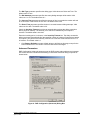
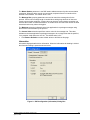
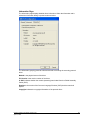
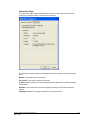
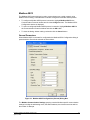
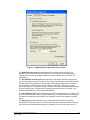
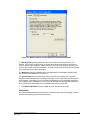
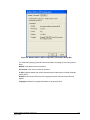
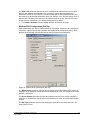
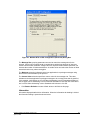
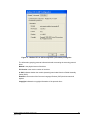
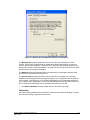
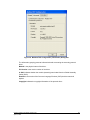
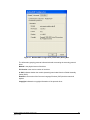
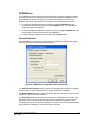
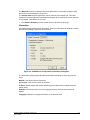
The Dial Type parameter specifies the dialing type. Valid values are Pulse and Tone. The default value is Tone. The Dial Attempts parameter specifies how many dialing attempts will be made. Valid values are 1 to 10. The default value is 1. The Connect Time parameter specifies the amount of time in seconds the modem will wait for a connection. Valid values are 6 to 300. The default value is 60. The Pause Time parameter specifies the time in seconds between dialing attempts. Valid values are 6 to 600. The default value is 30. Check the Inactivity Timeout check box to automatically terminate the dialup connection after a period of inactivity. The Inactivity Time edit box is enabled only if this option is checked. The default state is checked. Enter the inactivity period, in minutes, in the Inactivity Timeout box. The dialup connection will be terminated automatically after the specified number of minutes of inactivity has lapsed. This option is only active if the Inactivity Timeout box is checked. Valid values are from 1 to 30 minutes. The default value is 1. Click Restore Defaults to restore default values to all fields on this page, except for the Phone Number field. The content of this field will remain unchanged. Advanced Parameters DNP Configuration Advanced parameters set the DNP master station address and message size control. When the Advanced tab heading is clicked the Advanced dialog is opened as shown below. Figure 8: DNP Configuration (Advanced) Dialog Box Firmware Loader User Manual Version 2.50 April 22, 2008 20