1
User manual XC-31 XC-310 XC-4100
5 - Installating another RemoteCOM port
p
p
p
p
p
p
p
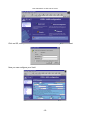
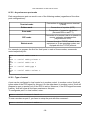
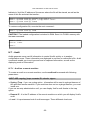
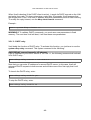
Control panel.
Add new hardware.
Ask "No" to Windows's automatic detection.
Click on "Ports(COM & LPT)".
Choose DECISION EUROPE ->;RemoteCOM(tm).
Restart your system.
Return to step 2 Choosing COM port number.
6 - Troubleshooting.
p
p
p
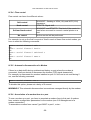
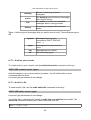
Check if Xcell is visible on the network. (using ping or telnet).
Check configuration and state of Xcell's port.
Read the log file.
V.2.2 - RemoteCOM under Windows NT system
V.2.2.1 - Setting up the XC-31- 310 - 4100
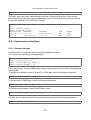
Only flow control parameter must be set on the Xcell.
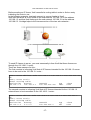
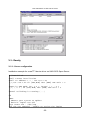
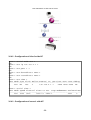
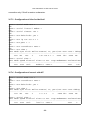
Configuration example with Telnet console :
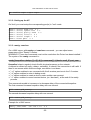
First, display current ports configuration :
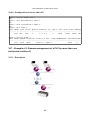
ROOT>> serial show all
Port Mode Speed FlowCtrl LineC Cs Par. Stop ModemName RtelnetTime0
1
raw 9600 soft
local 8 none 1
2001
0
2
raw 9600 soft
local 8 none 1
2002
0
-28-