1
AlazarDSO User Guide
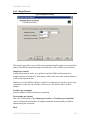
2.5.5 Board Configuration
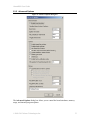
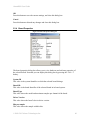
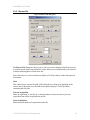
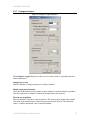
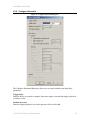
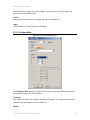
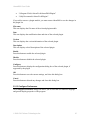
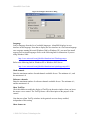
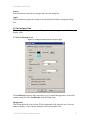
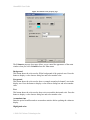
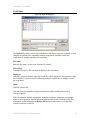
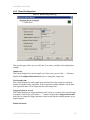
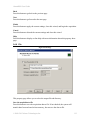
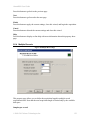
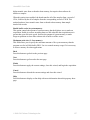
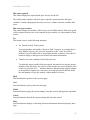
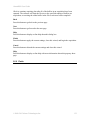
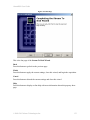
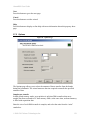
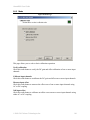
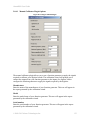
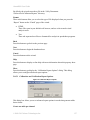
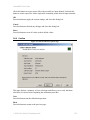
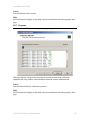
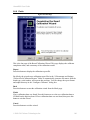
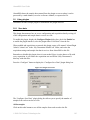
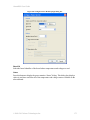
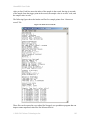
Figure 71. Board Configuration Page
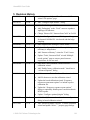
This property page allows you to verify and, if necessary, modify board configuration
settings.
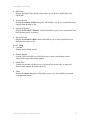
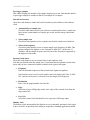
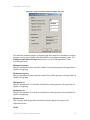
Sample rate
This control displays the current sample rate. If necessary, press on the “…” button to
display the Configure Horizontal dialog box to change the sample rate.
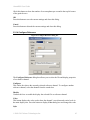
Total sample time
This control displays the total sample time calculated from the sample rate and total
number of samples in the acquisition. If the acquisition contains multiple records, then
total acquisition time will be longer than the total sample time.
Trigger position in record
This control displays the trigger position in each record as a percent of the record length
in samples. If necessary, press on the “…” button to display the Configure Horizontal
dialog box to change the trigger position in each record and the resulting number of pretrigger samples.
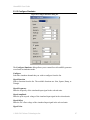
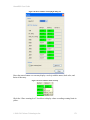
Enabled channels
© 2008-2015 Alazar Technologies Inc.
124