1
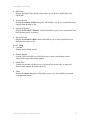
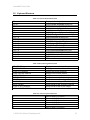
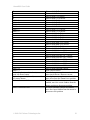
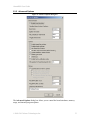
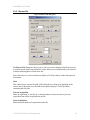
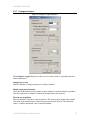
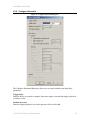
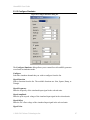
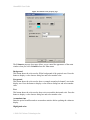
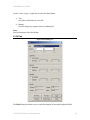
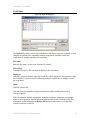
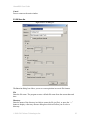
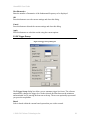
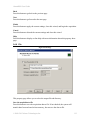
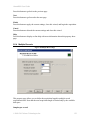
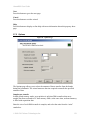
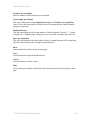
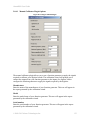
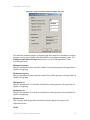
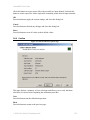
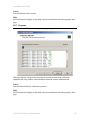
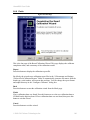
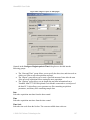
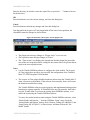
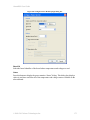
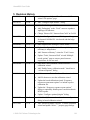
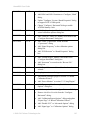
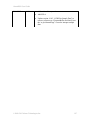
AlazarDSO User Guide Set input range from vertical scale Check this box to allow AlazarDSO to automatically select the input range from the current vertical scale value. If checked, AlazarDSO selects an input range greater than or equal to four vertical divisions at the current vertical scale, if possible. Apply options to all input channels Check this box to apply the following options to all input channels, not just the currently selected channel, when you press the OK or Apply buttons. disabled state set input range from vertical scale value vertical scale value probe attenuation value input range value input impedance value input coupling value OK Press this button to apply changes to the configuration of the selected channel, save the position of the dialog box on screen, and close the dialog box. Cancel Press this button to discard any changes and close this dialog box. Apply Press this button to apply changes to the configuration of the currently selected channel immediately. © 2008-2015 Alazar Technologies Inc. 56