1
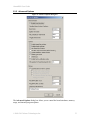
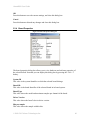
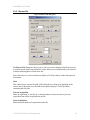
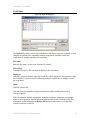
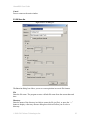
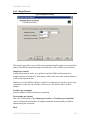
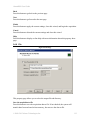
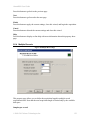
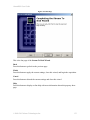
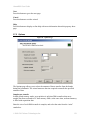
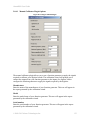
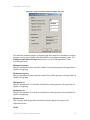
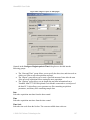
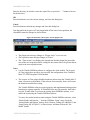
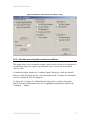
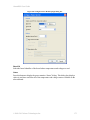
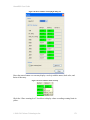
AlazarDSO User Guide By default, the wizard stores these file in the “%My Documents %\AlazarTech\Calibrator\Reports” directory. Format These radio buttons allow you to select the type of file displayed when you press the “Report” button on the “Finish” page of the wizard. HTML These files open in your default web browser, and use color to make visual analysis easier. Text These tab separated text files are formatted for analysis in spreadsheet programs. Back Press this button to go back to the previous page Next Press this button to begin the benchmark test. Cancel Press this button exit the wizard. Help Press this button to display on-line help with more information about this property sheet page. More Press this button to go display the “Calibration Report Options” dialog. This dialog allows you to configure advanced report options. 2.8.5.1 Calibration and Verification Report Options Figure 92 Calibration Report Options This dialog box allows you to set advanced report options in modes that generate tables but no charts. Create one table per channel © 2008-2015 Alazar Technologies Inc. 157