1
AlazarDSO User Guide
2.6.4 Finish
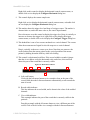
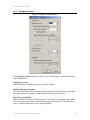
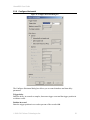
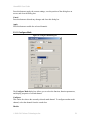
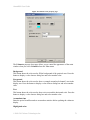
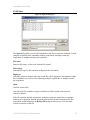
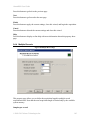
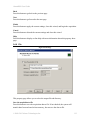
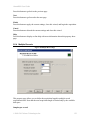
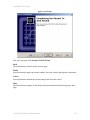
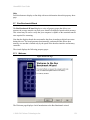
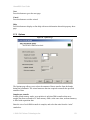
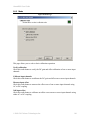
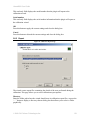
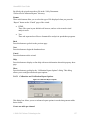
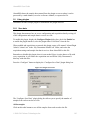
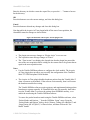
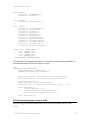
Figure 79. Benchmark Finish Page
This is the last page of the Disk Benchmark wizard. It displays the write speed of the
selected drive, as well as general information about the drive.
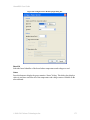
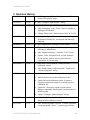
Report
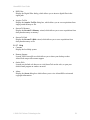
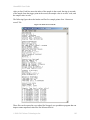
Press this button to display the benchmark report file.
By default, the wizard saves benchmark report files in the “%Documents and Settings
%\AlazarTech\Benchmark” folder. It automatically generates a file name from drive
name, block size, and current date and time.
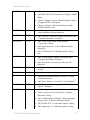
Back
Press this button to go to the Options page to benchmark another drive.
Finish
Press this button to exit the wizard.
Cancel
Press this button to exit the wizard.
© 2008-2015 Alazar Technologies Inc.
137