1
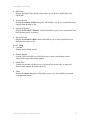
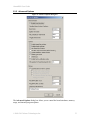
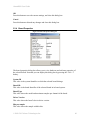
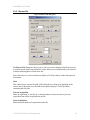
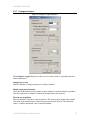
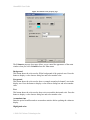
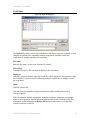
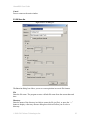
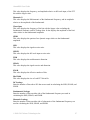
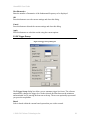
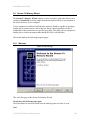
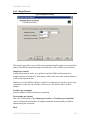
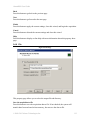
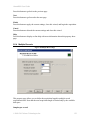
AlazarDSO User Guide “%Program Files%\AlazarTech\AlazarDSO\Plugins” “%My Documents%\AlazarTech\Plugins”. If you add or remove a plugin module, you must restart AlazarDSO to see the changes in the plugin list. File name This text displays the file name of the selected plugin module. Date This text displays the modification date and time of the selected plugin. Version This text displays the version information of the selected plugin. Description This text displays a brief description of the selected plugin. Enable Press this button to enable the selected plugin. Disable Press this button to disable the selected plugin. Configure Press this button to display the configuration dialog box of the selected plugin, if supported by the plugin. OK Press this button to save the current settings, and close this dialog box. Cancel Press this button to discard any changes and close this dialog box. 2.3.13 Configure Preferences The Configure Preferences dialog box allows you to select the user interface language and general display properties of the program. © 2008-2015 Alazar Technologies Inc. 63