1
www.drillingsoftware.com
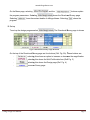
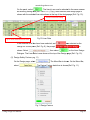
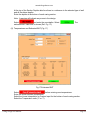
On the panel, select
. The liner(s) can now be selected in the same manner
as selecting casing data [Ref. Para. 2. C.(1) (a)]. After selection, the design page is
shown with the selected
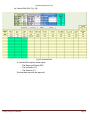
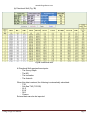
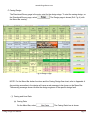
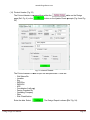
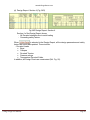
elected liner data shown at the top of the design page (Ref. Fig. 10).
Previous cemented casing
Up to 3 liner sections can be used
Fig.10 Liner Data
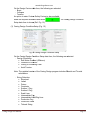
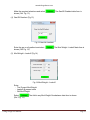
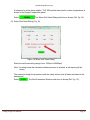
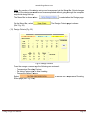
If the sections for a liner have been selected, and
was selected on the
Design for a Liner panel (Ref. Fig. 9), the prompt
is
, then select
on the Liner Design
shown. Select
Dialogue.. The Liner Data is now shown at the top of the Design page (Ref. Fig.
F 10).
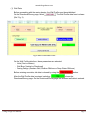
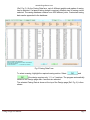
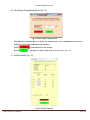
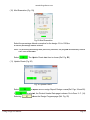
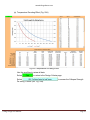
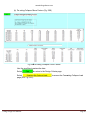
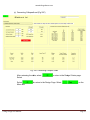
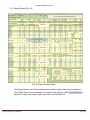
(2) Design Safety Factors (Fig. 11)
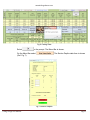
On the Design page, select
select
. The Menu Bar is shown. On the Menu Bar,
Bar
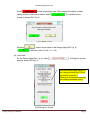
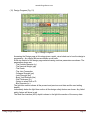
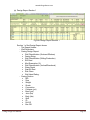
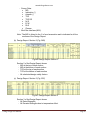
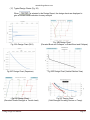
. The Design Factors data form is shown (Ref. Fig. 11).
Fig.11 Design Factors
Casing Design User Manual
Page 10