1
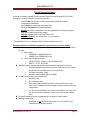
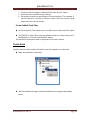
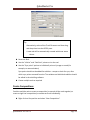
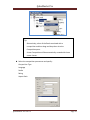
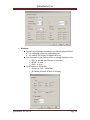
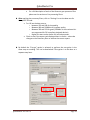
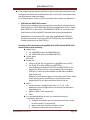
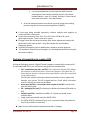
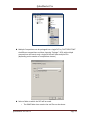
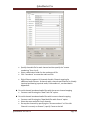
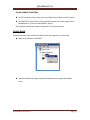
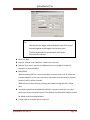
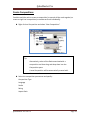
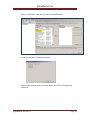
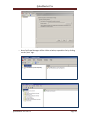
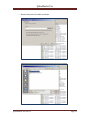
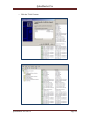
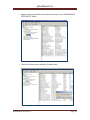
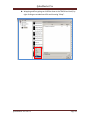
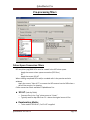
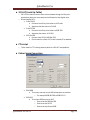
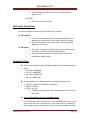
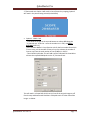
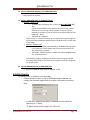
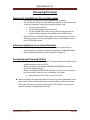
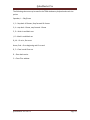
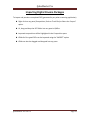
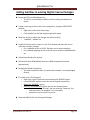
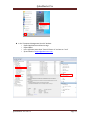
QubeMaster Pro Unchaining Using Notepad o Open the certificate chain in Notepad. o Enable “Word Wrap” o If it is indeed a chain, it must display three or more “paragraphs” beginning with the text “BEGIN CERTIFICATE” preceded by 5 hyphens and “END CERTIFICATE” followed by 5 hyphens. o Copy paste each of these paragraphs (INCLUDING the hyphens) into a new note-pad file Name each notepad file (use any name - it does not matter) o Rename the “.txt” extension to “.crt”. o The chain is now ready to be installed USING UNCHAIN.EXE “Unchain.exe” is included in the utilities folder of the QubeMaster pro installer. o Copy “Unchain.exe” and the certificate chain to a folder. Say c:\temp\unchain. o Run “Unchain.exe” from the COMMAND prompt. Click on the START menu, select “All Programs>Accessories” folder. RIGHT-CLICK on the Command Prompt icon and choose “RUN AS ADMINISTRATOR”) QubeMaster Pro ver.2.5 Page 54