1
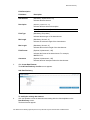
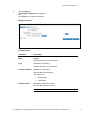
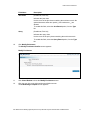
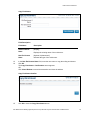
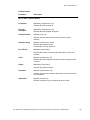
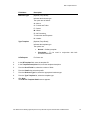
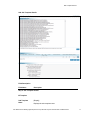
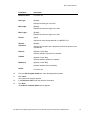
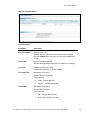
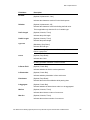
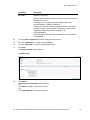
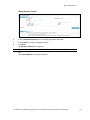
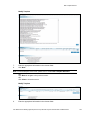
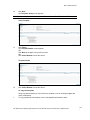
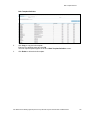
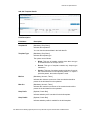
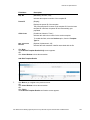
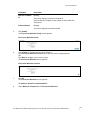
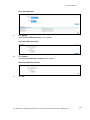
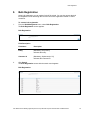
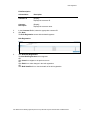
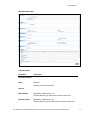
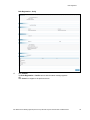
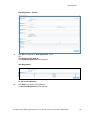
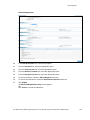
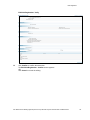
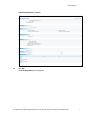
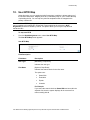
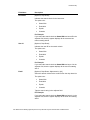
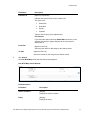
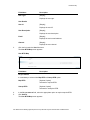
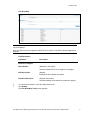
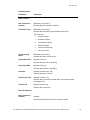
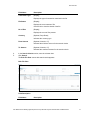
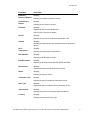
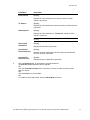
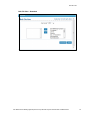
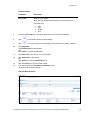
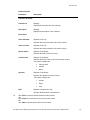
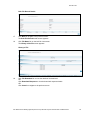
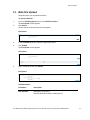
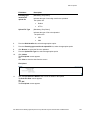
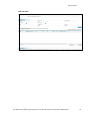
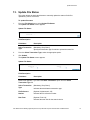
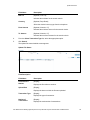
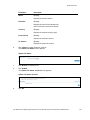
Bulk Registration Field Name Description S2S Mode [Optional, Option] Indicates the S2S mode through which client will send the bulk upload files. The Values are: Host to Host integration HTTPs request Destination Path It is mandatory to select either Host to Host integration or HTTPs request option. [Conditional, Alphanumeric, 100] Indicates the destination location of the server path to which acknowledgement and response file is sent. To enable this field, select the Host to Host integration option, in the S2S field. Response URL [Optional, Alphanumeric,100] Indicates the client URL to which acknowledgement and response file is sent. Bulk Tech Info Processor [Optional, Drop-Down] Indicates the processor. The options are: Preprocessor Beneficiary Processor Default Processor [Optional, Drop-Down] Indicates the preprocessor. Bulk File Template [Optional, Drop-Down] Indicates the bulk file template. User Manual Oracle Banking Digital Experience Corporate Bulk Payments Administration and Maintenance xliii