1
Appendix F: SAP On-line
Ticket Interface
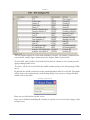
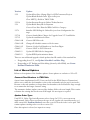
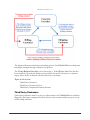
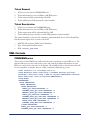
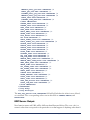
COMMANDseries can export ticket information via XML to SAP and subsequently
receive a Control Number from SAP. The Control Number is stored against the Ticket
Record. The XML transmission is triggered by Ticketing events (Ticket Creation and
Ticket Removal).
Note: The customer is responsible for providing an appropriate interface program.
Plant Configuration
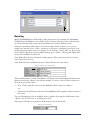
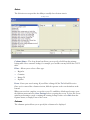
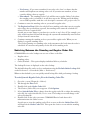
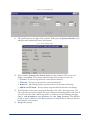
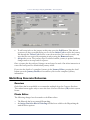
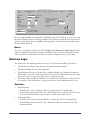
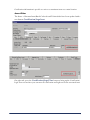
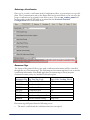
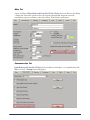
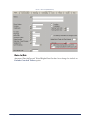
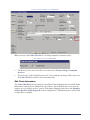
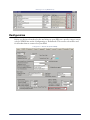
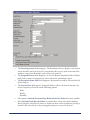
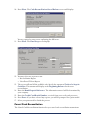
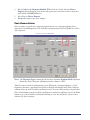
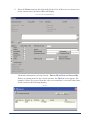
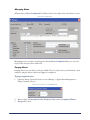
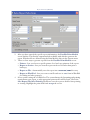
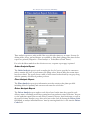
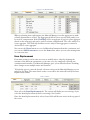
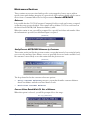
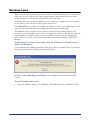
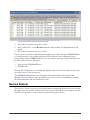
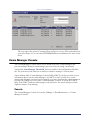
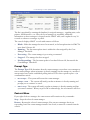
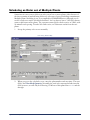
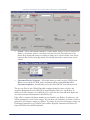
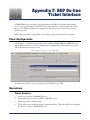
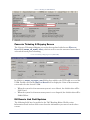
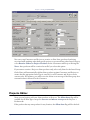
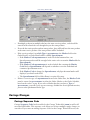
On the Plant > Communications tab, a new checkbox, Print Tickets to SAP, has been
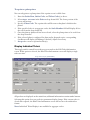
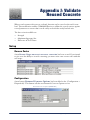
added. When this field is selected, a Setup button displays. Press this button to open the
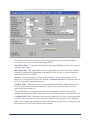
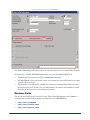
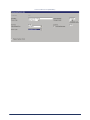
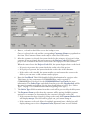
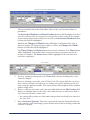
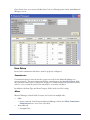
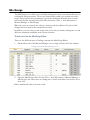
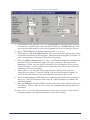
SAP Communication Setup screen.
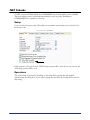
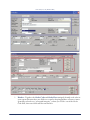
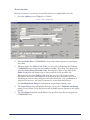
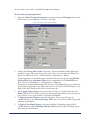
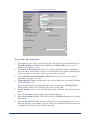
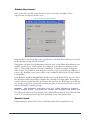
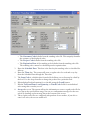
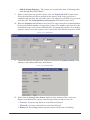
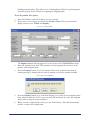
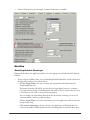
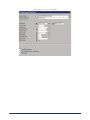
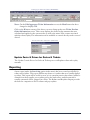
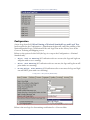
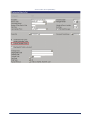
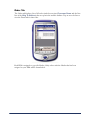
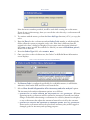
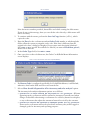
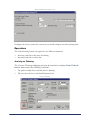
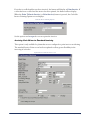
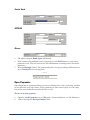
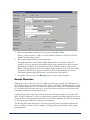
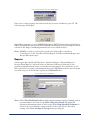
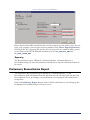
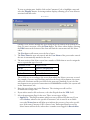
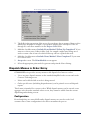
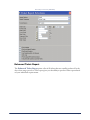
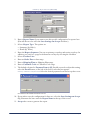
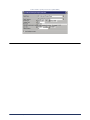
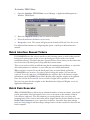
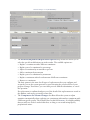
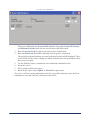
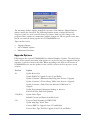
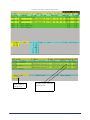
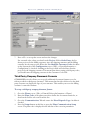
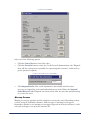
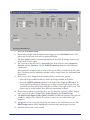
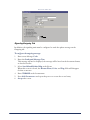
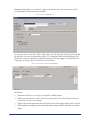
SAP Communication Setup screen (EDTPLNTO)
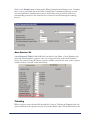
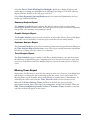
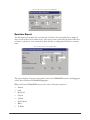
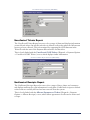
To enable the interface, enter the appropriate SAP Webservice URL.
Operations
Ticket Creation
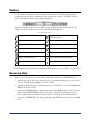
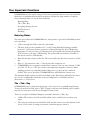
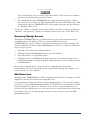
1.
2.
3.
4.
418
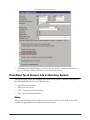
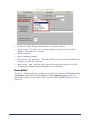
A ticket is created in COMMANDseries
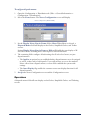
Ticket information is sent via XML to SAP Webservice
Ticket send will be acknowledged.
Ticket will receive an SAP-generated control number. This field will be stored against
the Ticket record in COMMANDseries
Appendix F: SAP On-line Ticket Interface