1
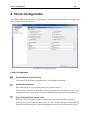
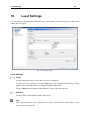
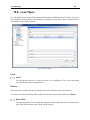
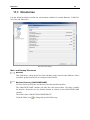
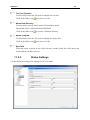
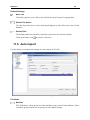
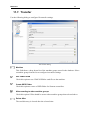
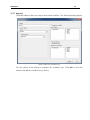
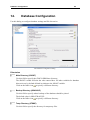
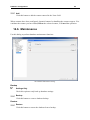
Level Settings
33
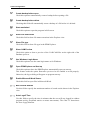
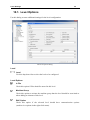
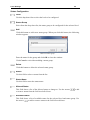
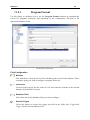
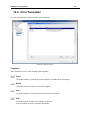
Tool List
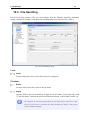
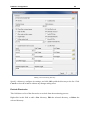
Check this field if tool lists should be associated to this level.
Prefer Machine Directories
Check this field to use the machine directories defined in the Directories dialog for
storing data from this level.
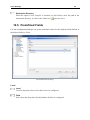
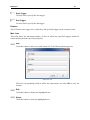
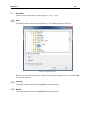
Use machine settings
Check this option to use the settings defined in the Machines dialogs for the selected
level.
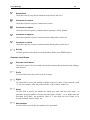
Tools
Check this option to enable tool data management on this level.
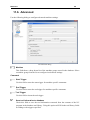
Family of Parts
Check this field to store multiple part numbers in the database.
Level is Machine group
Check this field to use the machine group as level name.
Level is Customer
Check this option to use the customer as level name.
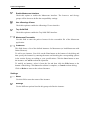
Level contains customer
Check this option if customer information should be entered when adding an element
to this level.
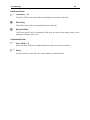
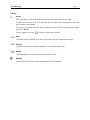
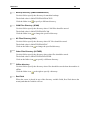
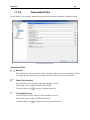
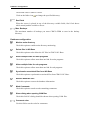
Work Orders
Check this option to enable the use of work orders for the selected level. A new tab
will appear in the Database Preview to manage the work orders.
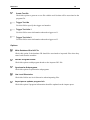
Extract tool information
Check this option to automatically extract tool information from the file on this level.
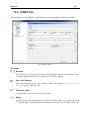
Enable Revisions
Check this field to enable revision controls on this level.
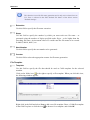
Enable Notes
Check this option to show a description text field in level details.