1
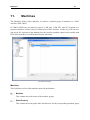
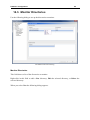
Machines
66
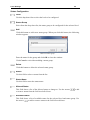
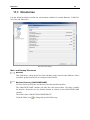
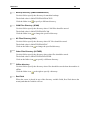
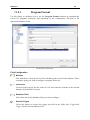
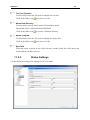
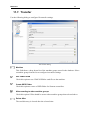
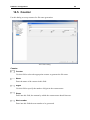
Default Settings
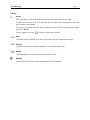
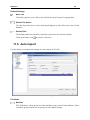
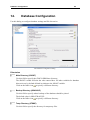
Move File
Check this option to move files to the defined directory instead of copying them.
Default File Action
Use this drop-down list to select what should happen to other files when stored in the
database.
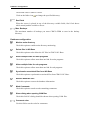
Default Path
The default path from which files should be opened for the selected machine.
Click on the folder icon
to specify a directory.
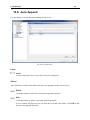
11.5. Auto Import
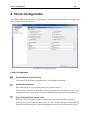
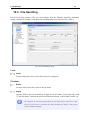
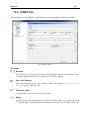
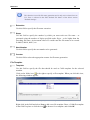
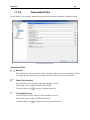
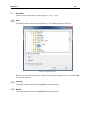
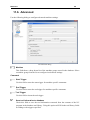
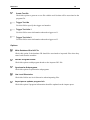
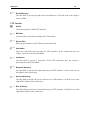
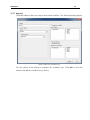
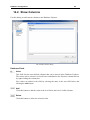
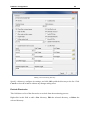
Use this dialog to configure the settings for auto-import of NC files.
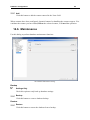
The Auto Import dialog.
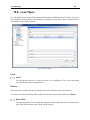
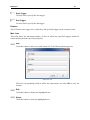
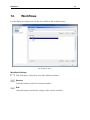
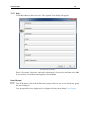
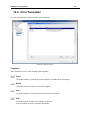
File Name
Machine
This field shows a drop-down list of the machine groups stored in the database. Select
a machine group from the list to specify its auto-import settings.