1
User Groups
79
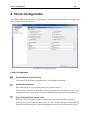
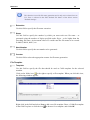
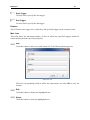
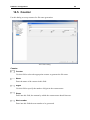
Add
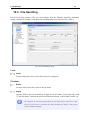
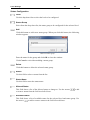
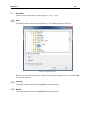
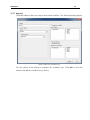
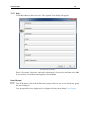
Click this button to add a new user. The Append User dialog will appear.
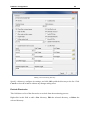
The Append User dialog.
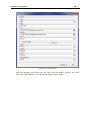
Enter a Username, Password, and other information (if necessary) and then click OK.
If you want to exit without entering data, click Cancel.
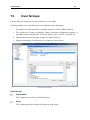
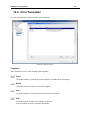
User Groups
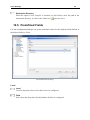
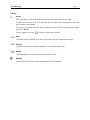
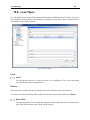
This field shows a list of the defined user groups. Select a user to see which user group
the user belongs to.
User groups and Access rights can be configured in the parent dialog User Groups.