1
4-1
Memory Bank and Memory Channel
The AR-ALPHA features 2,000 memory channels and a priority channel.
There are 40 memory banks (groups) and each bank has 50 memory channels.
The alphanumeric comment may be used for easy identification of a specific memory channel at a
future time and to provide a “text search” function. The 2,000 memory channels are divided into 40
banks, each having 50 channels. The memory banks are identified by the first BANK number 0, 1, 2,
3, 4, 5, 6, 7, 8 and 9 and the individual channels are numbered from 00 to 39.
Examples are “00” for the first channel location in memory bank “0” and “39” for the last memory
channel in memory bank “0”.
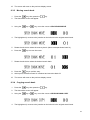
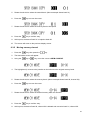
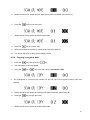
“04-15” is the location: memory bank “04” channel “15”.
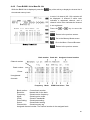
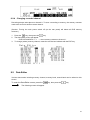
Memory bank Memory channel
The data contents of memory and search banks are held in an EEPROM; therefore no backup
battery is required for memory retention.
The stored data may be quickly and easily recalled, changed or deleted using the memory recall and
delete functions.
54