Download AR-ALPHA
Transcript
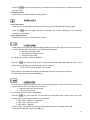
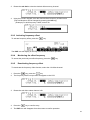
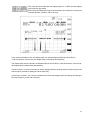
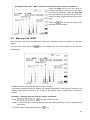
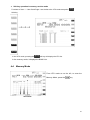
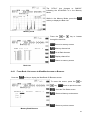
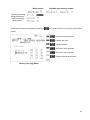
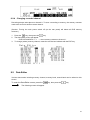
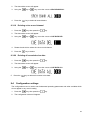
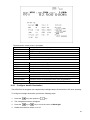
function. Repeating the above steps will toggle this function. While the frequency offset function is activated, the DUP (Duplex) icon will appear at the top left of the LCD screen. To disable this function, perform the above steps, then set the offset channel to “+00” and press the MHz key. A total of 48 offset channels are available and 01 ~ 20 channels out of 48 are user programmable. (6) Press the key, then press the 6 key. Data Edit Function Performing the above steps will display the data editor screen. In this mode, Memory bank and search bank memory channel data can be edited on the LCD screen. To exit this function, press the MHz key. (7) Press the key, then press the 7 key. Configuration Setting The receiver’s configuration can be set on this screen. To exit this function, press the MHz key. (8) Press the key, then press the 8 key. 26