1
Part 2: Driver’s Servo Pack Settings
•
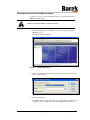
Automatic Software Update
Automatic Software Update
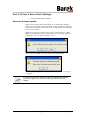
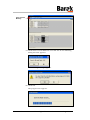
When the CONTROLLER is switched on, it checks the DRIVER
SERVO PACK settings version number. If the version is different
from that stored on the CONTROLLER, it will update the settings
to the new version.
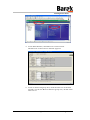
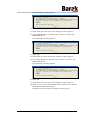
When any action is carried out in the CONTROLLER (i.e., INIT,
MEDIA FORWARD/BACKWARD and TENSION), a message appears
asking the user to either update or not.
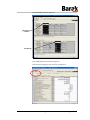
The action can take up to a minute to be performed.
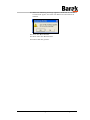
After the update, you must shut down the printer and turn it
on again.
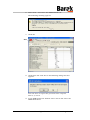
If you did not succeed to load the drivers automatically the first time,
you may try again. If you are unsuccessful, proceed to the next
chapter.
10100114 - A
© Matan Digital Printers Ltd.
Page 8 of 19