1
11
Connecting ScratchDuino.Lab and Selecting a Port in Scratch
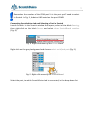
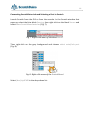
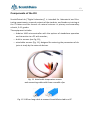
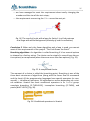
Launch Scratch from the GUI or from the console. In the Scratch window that
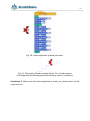
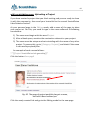
pops up, select the blue block Sensing, then right-click on the block Sensor and
select show ScratchBoard watcher (Fig. 7).
Fig. 7. Right-click menu of the block sensor.
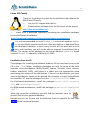
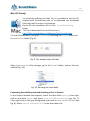
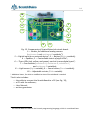
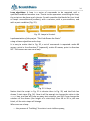
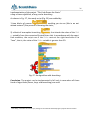
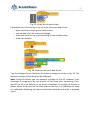
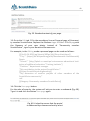
Then right-click on the grey background and choose select serial/usb port
(Fig. 8).
Fig. 8. Right-click menu of the ScratchBoard.
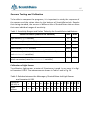
Select /dev/ttyACM0 in the drop-down list.