1
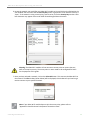
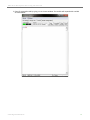
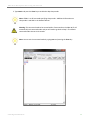
XBe e W i ‐F i De ve lo pme nt K i t Ge tting Star te d Guide 13. Enter the Module IP Address from module 2 into module 1's Destination IP Address, and the Module IP Address for module 1 into module 2's Destination IP Address. 14. Click the Write button (next to the Read button). This will save the settings to the module. Note: To restore the factory original settings click the Restore button (next to the Write button). This will place the module in the original settings and allow you to connect to a new network. © 2011 Digi International, Inc.. 16