1
Upgrading an Installed Link
Appendix F
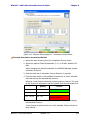
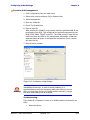
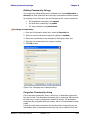
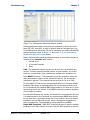
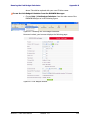
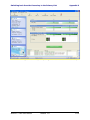
The default sites shown in the Software Upgrade list panel belong to the
currently link. The list may be empty if you are running the RADWIN
Manager “offline”.
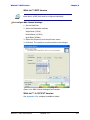
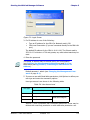
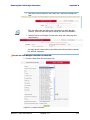
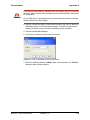
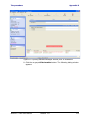
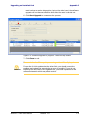
2. Click Add Site to add additional sites for upgrade.
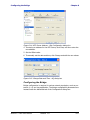
Figure F-2: Add site options
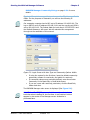
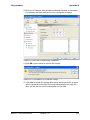
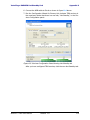
Click Add Single Site for one site only:
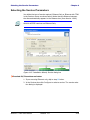
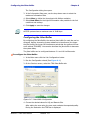
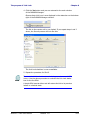
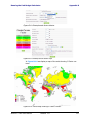
Figure F-3: Adding a single site for upgrade
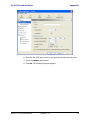
Enter the IP address of the site, the Community strings (Default: public
and netman, respectively) and then click OK. The site will appear in the
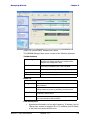
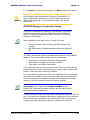
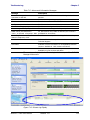
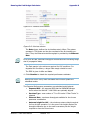
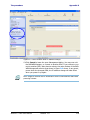
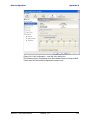
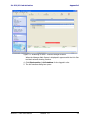
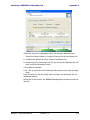
Software Upgrade list box. For example if we add the site at IP address
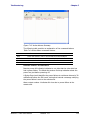
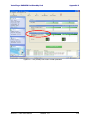
192.168.2.101, the SWU main window of figure F-1 looks like this:
WinLink™ 1000 User Manual
Release 1.8
F-2