1
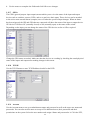
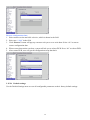
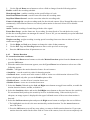
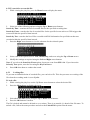
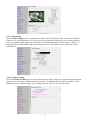
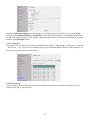
choose them.
5.
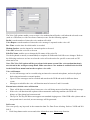
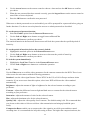
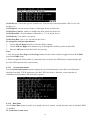
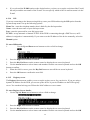
When your text is complete, press the Keypad button to remove the on-screen keyboard.
6.
Press the OK button to save the new text.
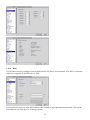
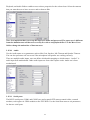
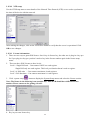
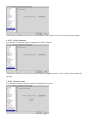
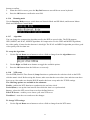
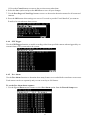
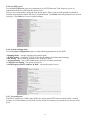
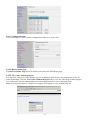
4.3.7 TCP/IP
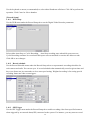
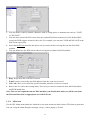
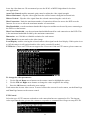
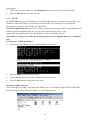
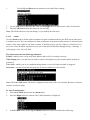
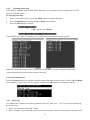
Use the TCP/IP menu to set the IP address of the DVR, the gateway, the subnet mask, the DNS server
IP address, and the HTTP port. If you want to use the DVR on your network, see your network
administrator to obtain a valid IP address for the DVR.
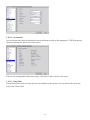
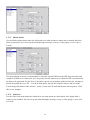
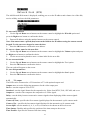
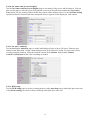
Network Neighbor function: User can see DVR recording directory from other PC through Microsoft
Windows network neighbor. Then user can copy files in that directory to PC or do
remote back up automatically, if user has the proper software installed on the PC.
Note: when you setup server name and workgroup, please key-in English characters or numbers
only.
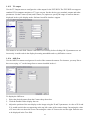
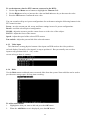
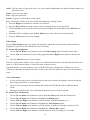
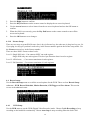
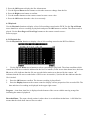
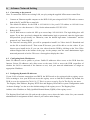
To change the TCP/IP parameters:
1. Select the field to change using the Up and Down arrow buttons.
2.
3.
Press the Right arrow button to confirm.
Use the number pad on the remote control to enter a new value
4.
Press the OK button to confirm the new value.
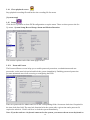
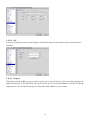
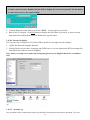
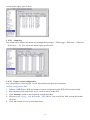
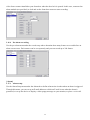
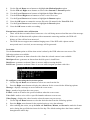
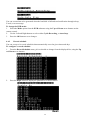
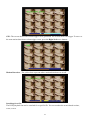
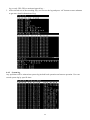
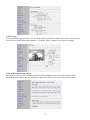
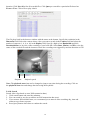
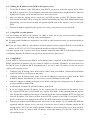
Network Neighbor function:
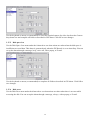
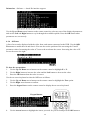
After define the server name, workgroup and WINS server, user can find out the DVR recording files
from Microsoft windows network neighbor. See as following picture.
49