1
3.14
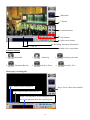
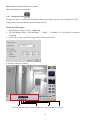
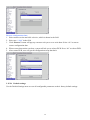
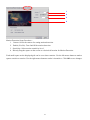
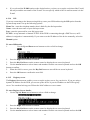
Close playback screen
Stop playback recording file and back to the recording file list menu.
[ System setup]
3.15 Setup
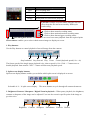
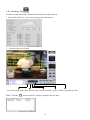
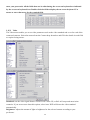
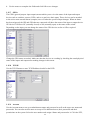
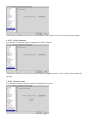
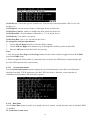
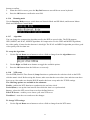
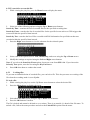
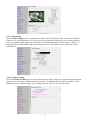
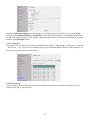
Click the Set Up button to show DVR configuration set up the menu. There are three parts to the Set
Up menu - System Setup, Record Setup, Alarm and Motion Detection.
This section explains each of the menu pages in turn.
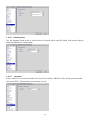
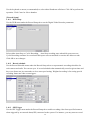
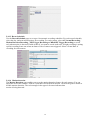
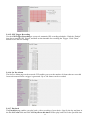
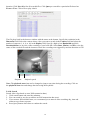
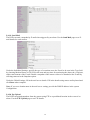
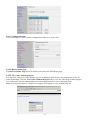
3.15.1 Password Protect
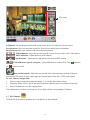
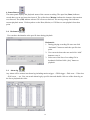
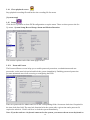
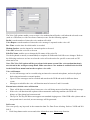
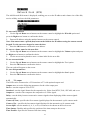
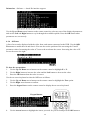
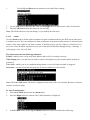
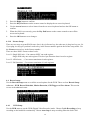
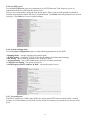
The Password Protect screen helps you to enable password protection, set administrator and user
passwords, set the auto lock period and lock the system immediately. Enabling password protection
prevents unwanted users from accessing or configuring the DVR.
Enter new passwords for Admin and User in the corresponding fields. Set an auto lock time if required in
the Auto lock after field. The auto lock function locks the system after a given time and a password is
required to unlock it. Click Lock Now! to lock the system immediately.
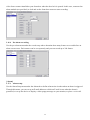
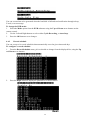
Note: If you do not have a keyboard connected to the system, you can use the on-screen keyboard to
19