1
5 Waveform Acquisition
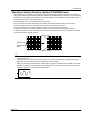
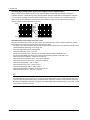
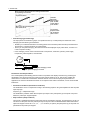
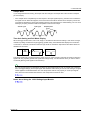
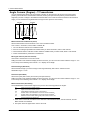
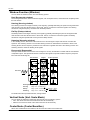
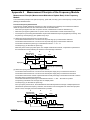
Main Waveform Acquisition Settings
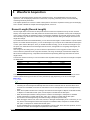
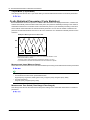
• Time axis setting: A value from 100 ms/div to 3 days/div
• Main waveform sample rate: 100 kS/s or slower
• Acquisition mode: Normal, Envelope, or BoxAverage
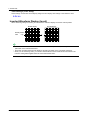
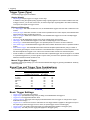
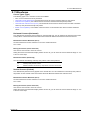
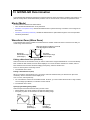
Captured-Waveform Acquisition Settings (Capture Setup)
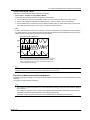
• Time axis setting (Time/div): A value from 1 μs/div to 500 ms/div (in 1-2-5 steps) or 1 sec/div to 1 min/div
• Capture length (Capture Length): 5 kpoint, 10 kpoint, 25 kpoint, 50 kpoint, 100 kpoint, 250 kpoint, or 500
kpoint
• Capture mode (Capture Mode): Auto or On Start
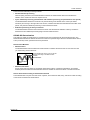
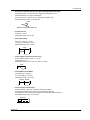
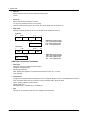
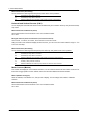
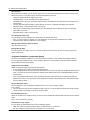
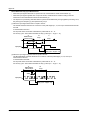
Auto (Auto)
Instant start (On Start)
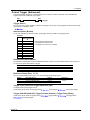
The DL850/DL850V continues waveform acquisition until you stop it using the START/STOP
key.
After the amount of data that corresponds to the set record length or 10 div worth of data is
acquired, waveform acquisition stops.
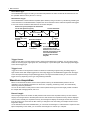
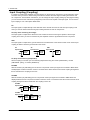
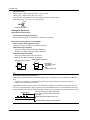
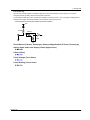
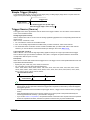
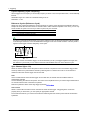
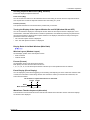
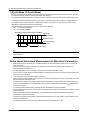
• Main-waveform sample rate < captured-waveform sample rate
The sample rates must be set so that the sample rate of the captured waveforms is faster than the sample
rate of the main waveforms.
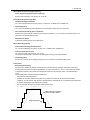
Trigger Condition
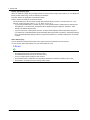
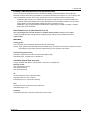
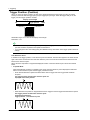
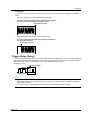
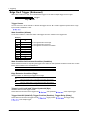
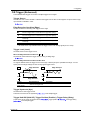
When dual capturing is enabled, the trigger conditions apply to the captured waveforms. When the trigger
conditions are met, the DL850/DL850V triggers and acquires the captured waveforms.
Action (Action Setup)
You can make the DL850/DL850V perform a specified action when it triggers and acquires captured waveforms.
Captured-Waveform Display Number (Select Number)
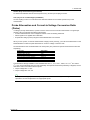
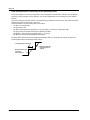
You can select the number of a captured waveform and display it. The trigger time of the selected waveform
appears to the lower left of the waveform display area.
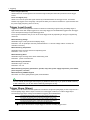
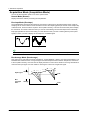
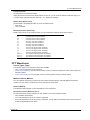
When Capture Mode Is Set to Auto
The numbers that you can select vary as indicated below. You can select and display the numbers when
waveform acquisition is stopped.
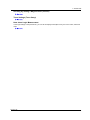
Current, −1, −2, ...
Current: the most recent waveform, −1: one waveform before the most recent waveform, −2: two waveforms
before the most recent waveform, ...
When Capture Mode Is Set to On Start
The numbers that you can select vary as indicated below. You can select and display the numbers even during
waveform acquisition.
Current, 1, 2, ...
Current: the most recent waveform, 1: the oldest waveform, 2: the second oldest waveform, ...
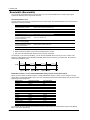
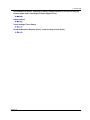
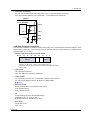
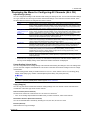
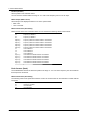
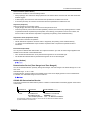
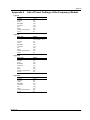
Displaying a List of Captured Waveforms (List)
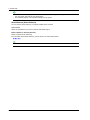
When waveform acquisition is stopped, you can display a list of captured-waveform numbers and trigger times.
You can select a waveform that you want to display from the list and display it.
5-8
IM DL850-01EN