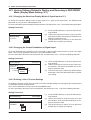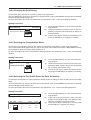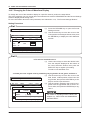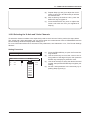
1
8. RECORDING IN REALTIME
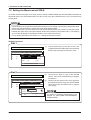
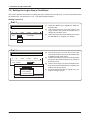
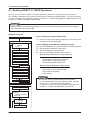
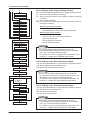
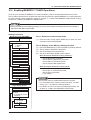
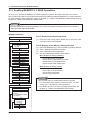
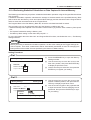
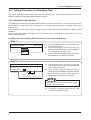
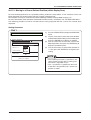
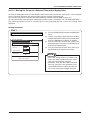
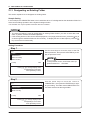
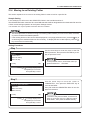
Part 4: Settings at the Format Settings window
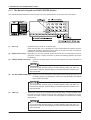
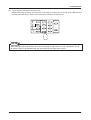
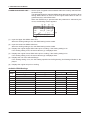
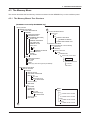
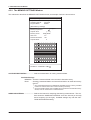
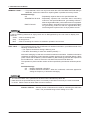
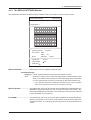
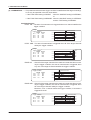
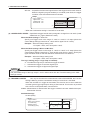
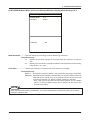
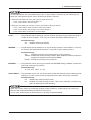
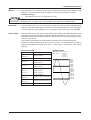
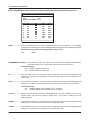
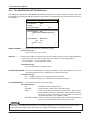
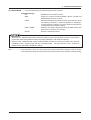
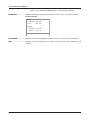
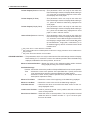
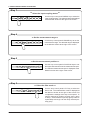
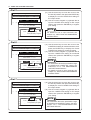
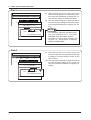
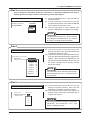
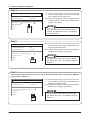
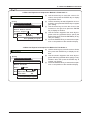
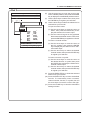
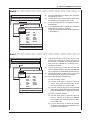
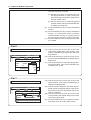
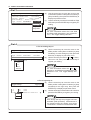
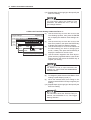
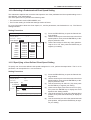
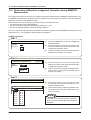
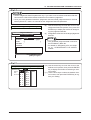
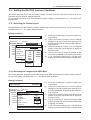
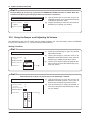
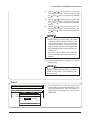
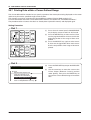
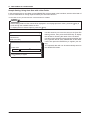
(9) Press the RECORD key to open the Format Settings window.
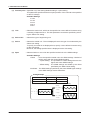
(10) Set the Format parameter.
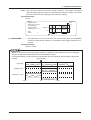
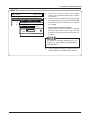
(11) Set the Zone and CH parameters.
NOTE
Also perform other format-related settings as required.
• For information about format-related functions, see Subsection 4.5.3, “The Format Settings Window.”
• For details on how to set format-related parameters, see
Chapter 14, “USING THE RECORDING FUNCTIONS.”
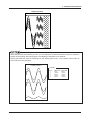
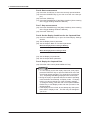
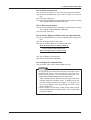
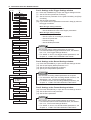
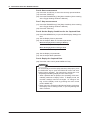
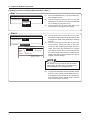
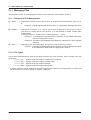
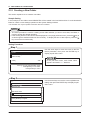
Part 5: Start measurement
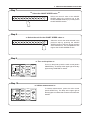
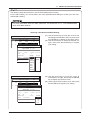
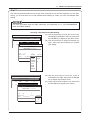
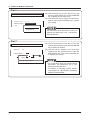
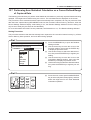
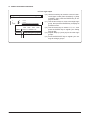
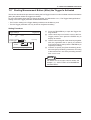
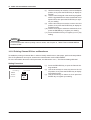
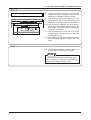
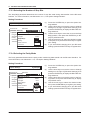
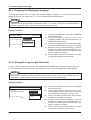
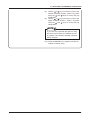
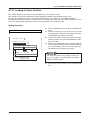
(12) Press the CLOSE key to close the currently opened window.
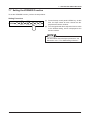
(13) Press the PRINTER key (if you wish to record onto chart paper).
(14) Press the START key.
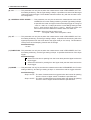
(15) Press the TRIGGER key (if the [Start Condition] Source setting
at the Trigger Settings window is Manual).
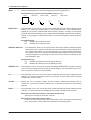
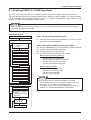
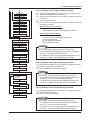
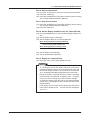
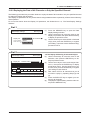
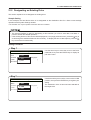
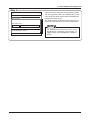
Part 6: Stop measurement
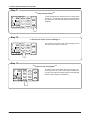
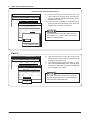
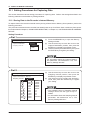
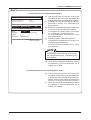
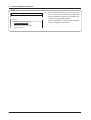
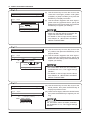
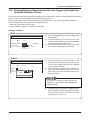
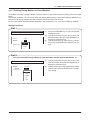
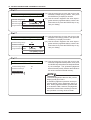
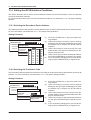
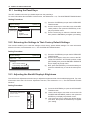
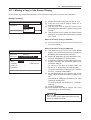
(16) Press the TRIGGER key (if the [Stop Condition] Source setting
at the Trigger Settings window is Manual).
(17) Press the STOP key.
8–8