1
USB 3.0-to-SATA II RAID Subsystem
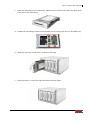
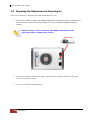
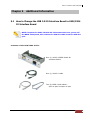
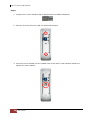
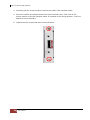
4. Carefully pull the screw handle to remove the USB 3.0 IO interface board.
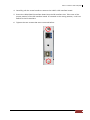
5. Insert the USB/1394 IO interface board into the IO interface slot. Take note of the
proper position of the IO interface board. If inserted in the wrong position, it will not
attach to the IO interface.
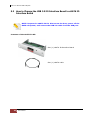
6. Tighten the two screws that were removed before.
User’s Manual
51